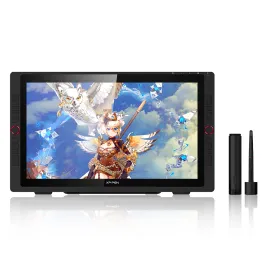
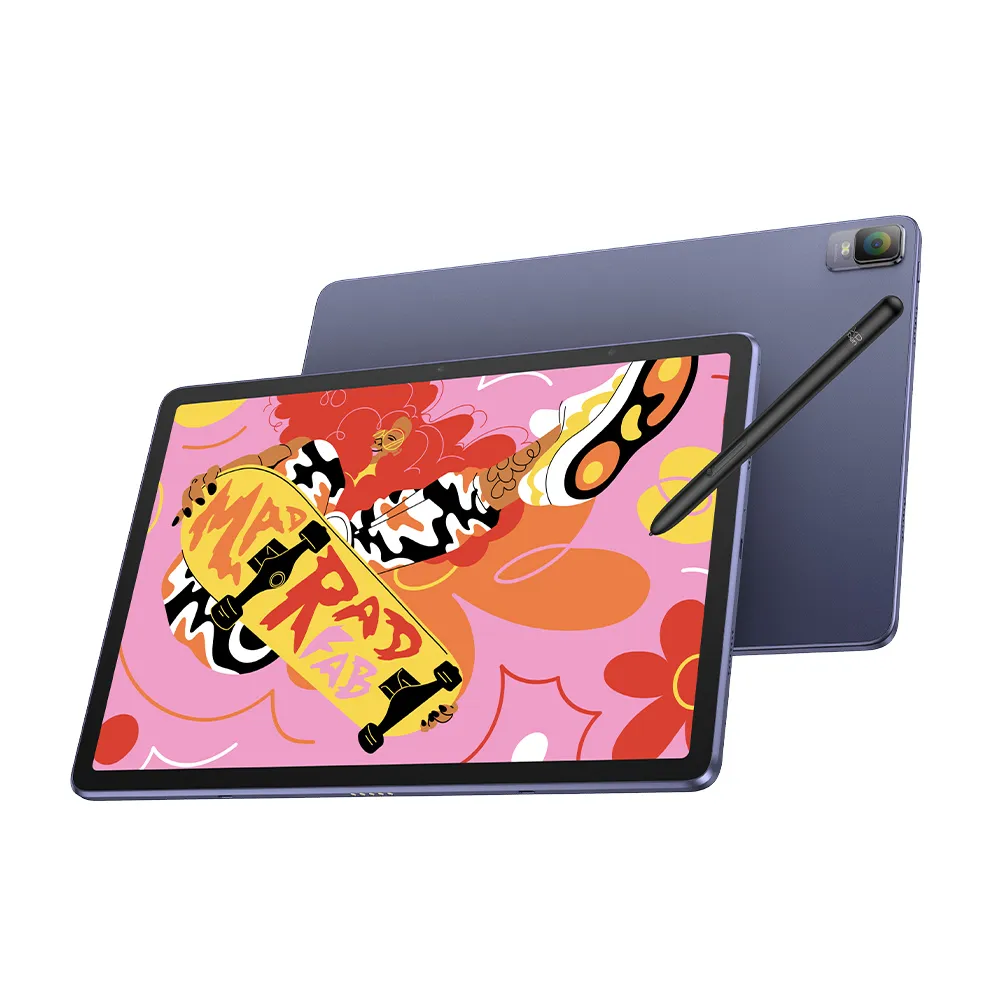
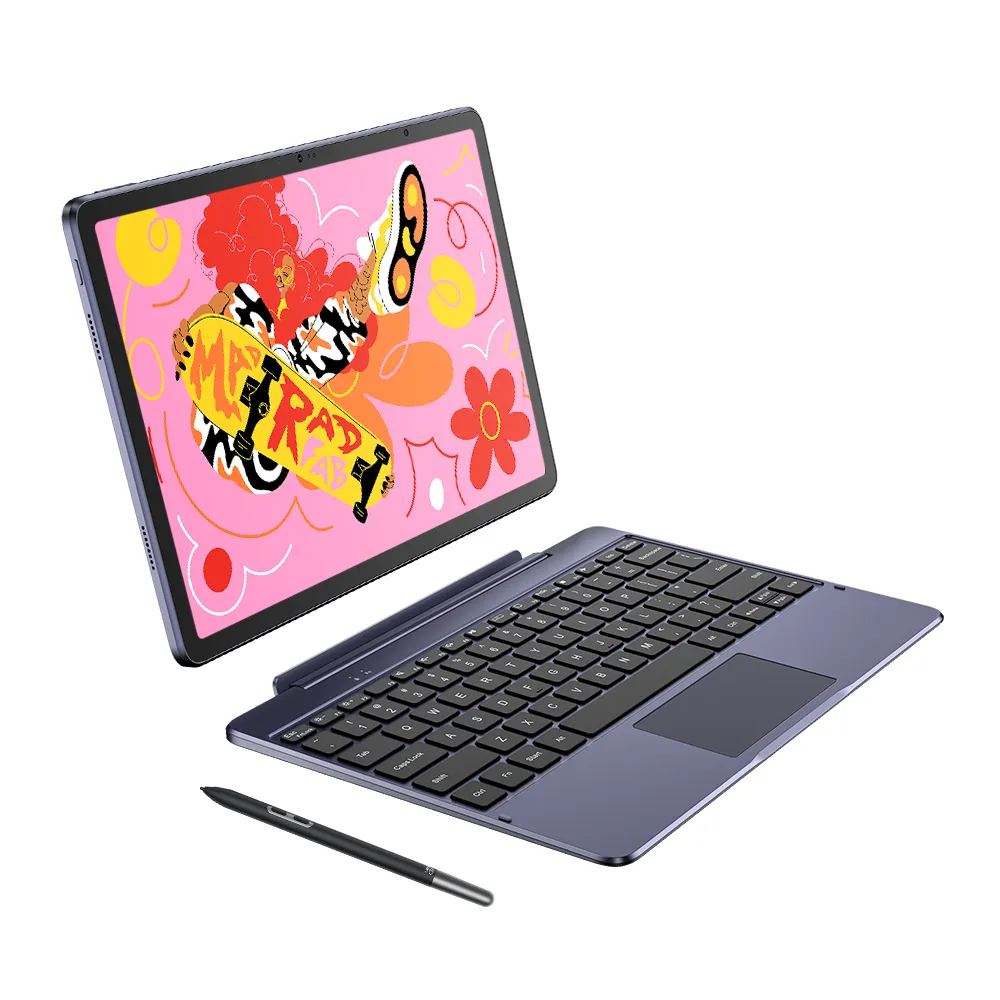
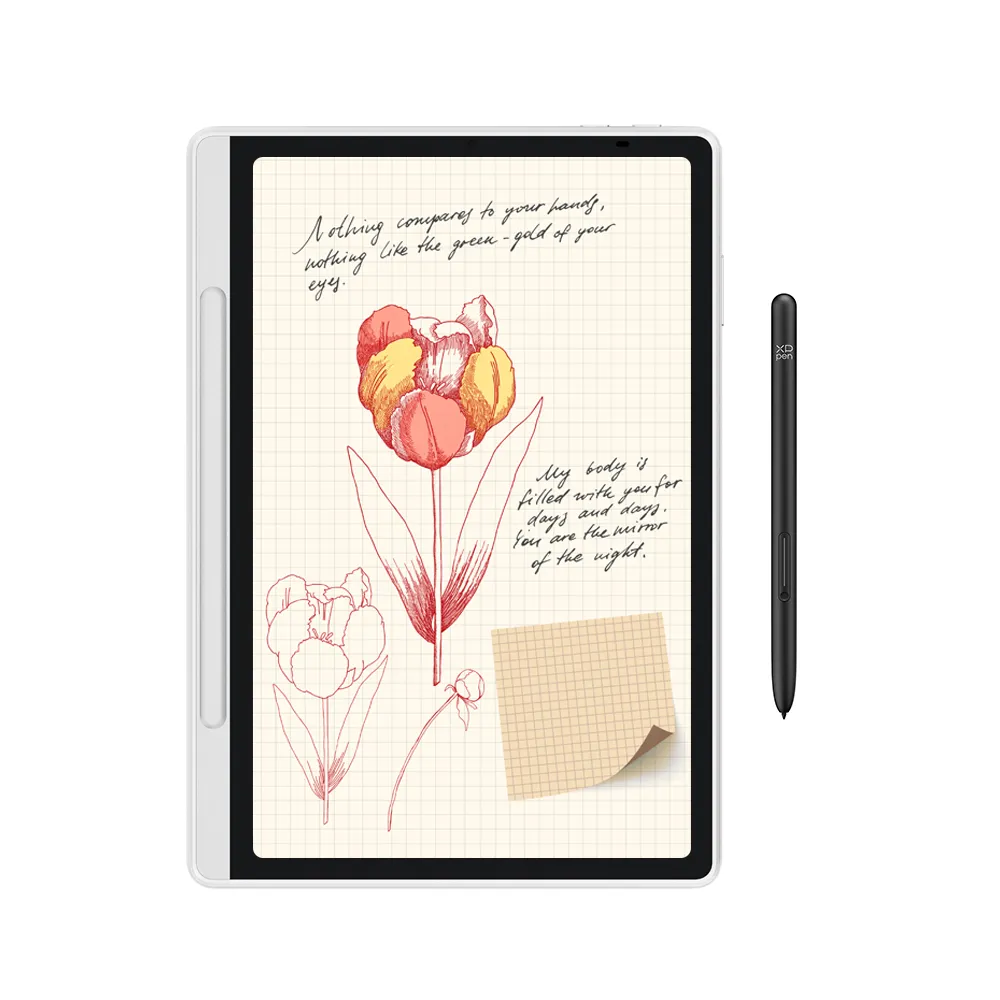
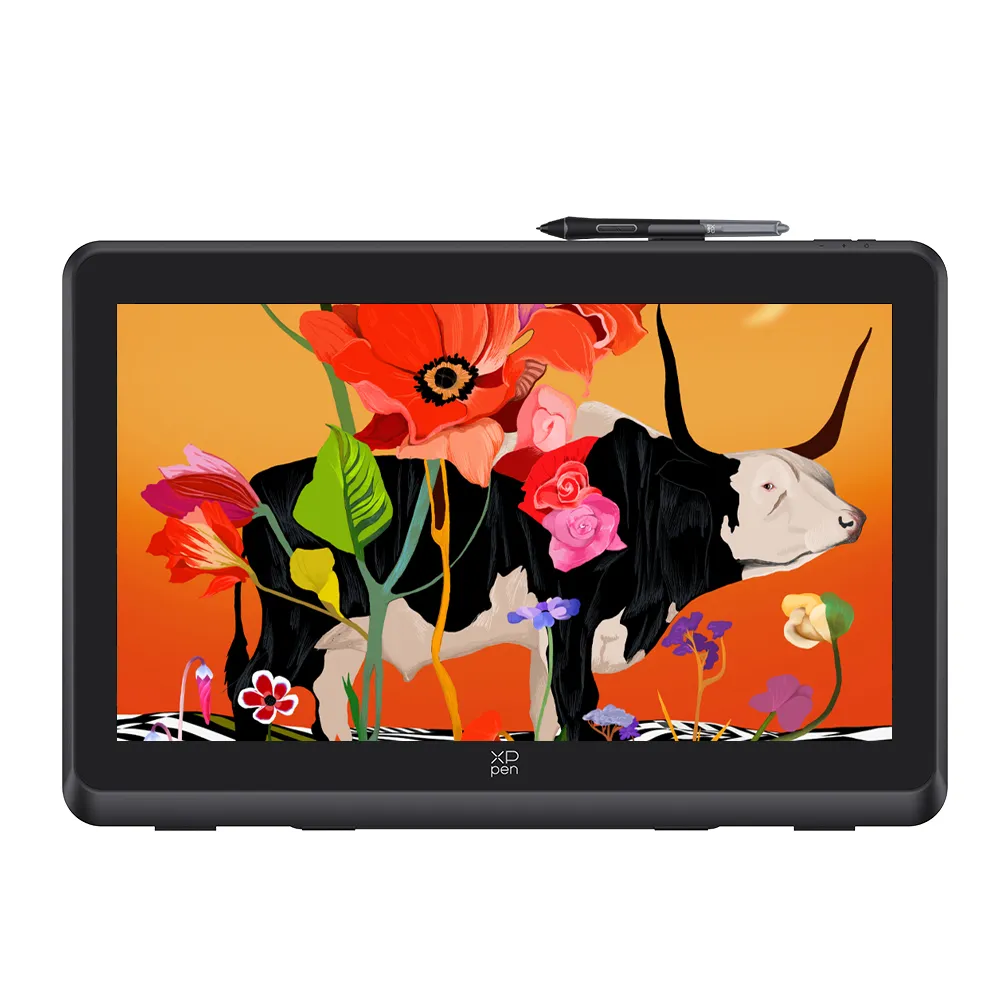
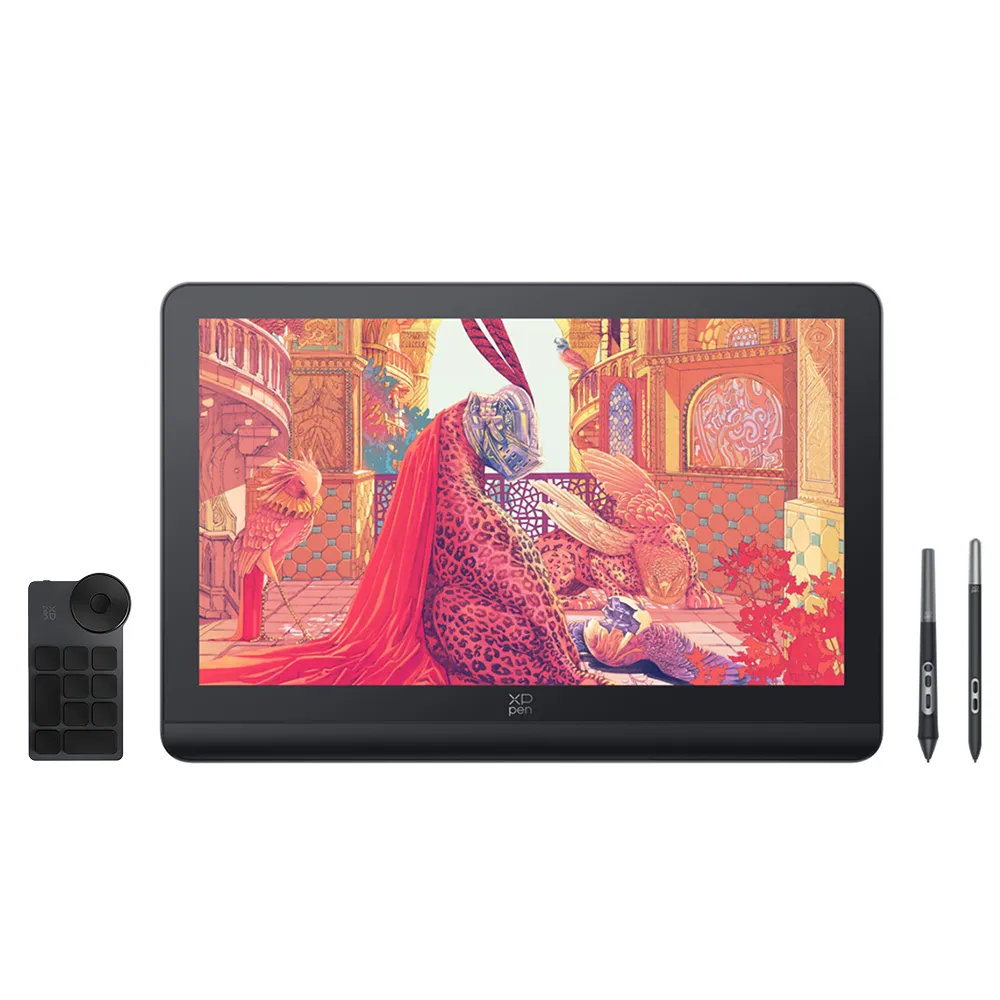
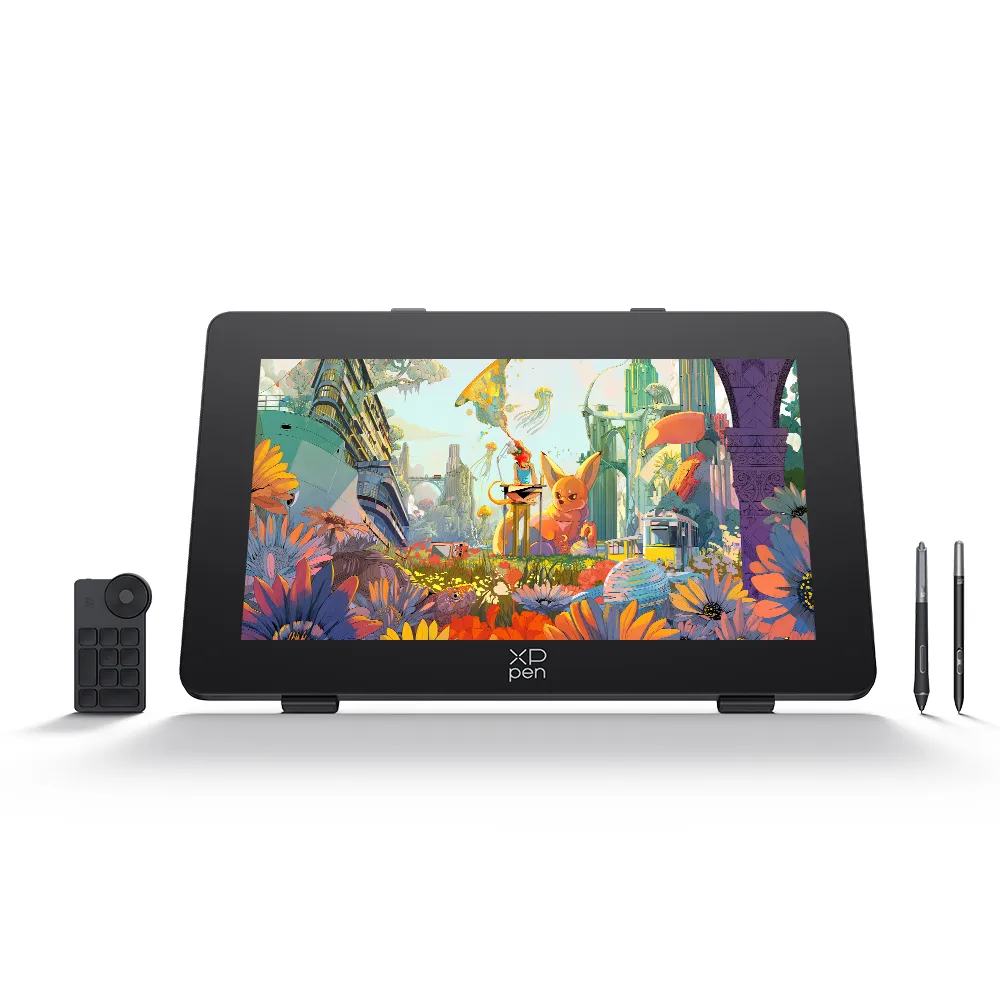
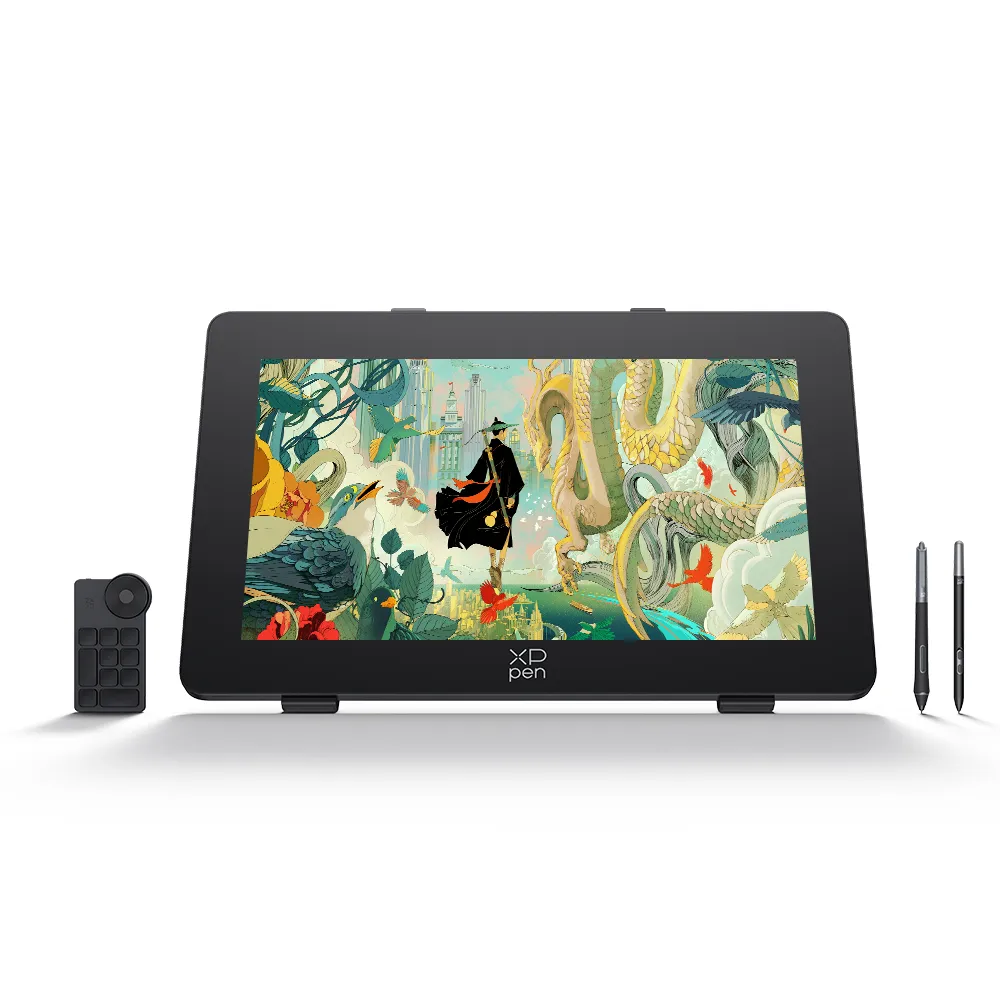
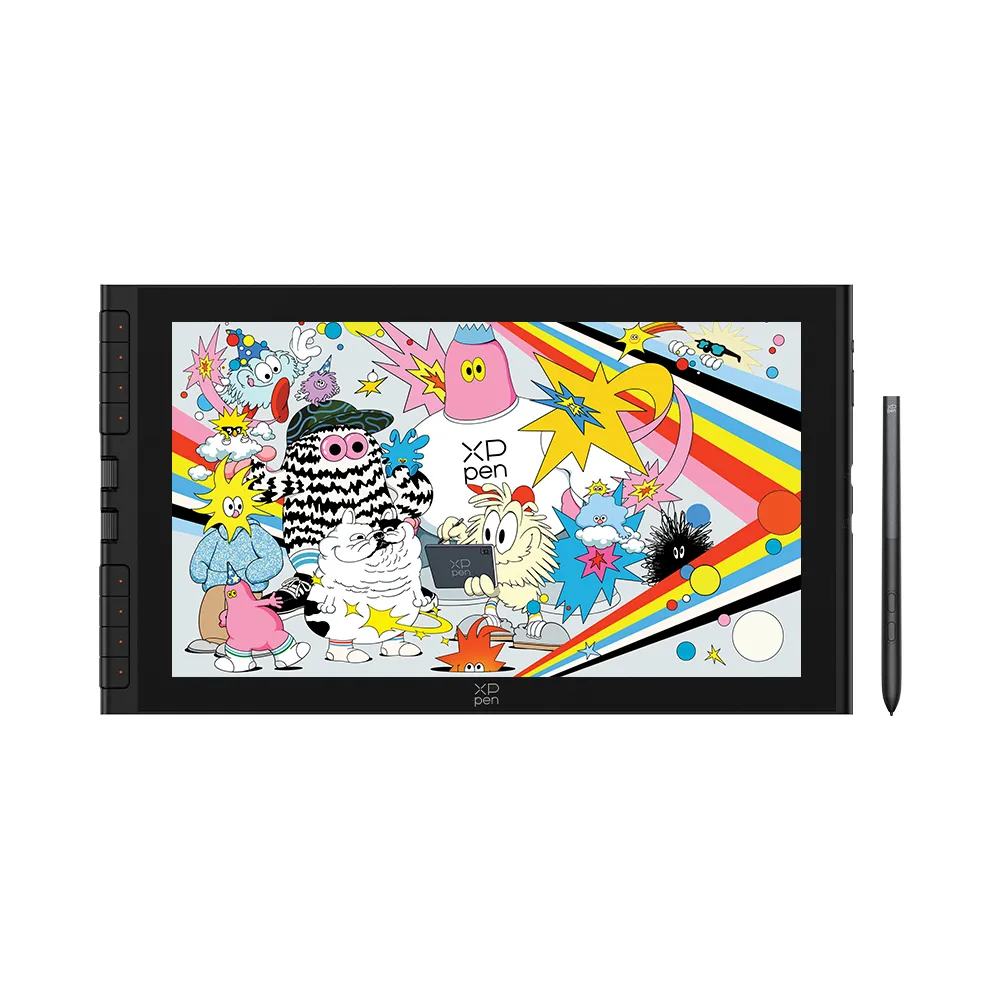
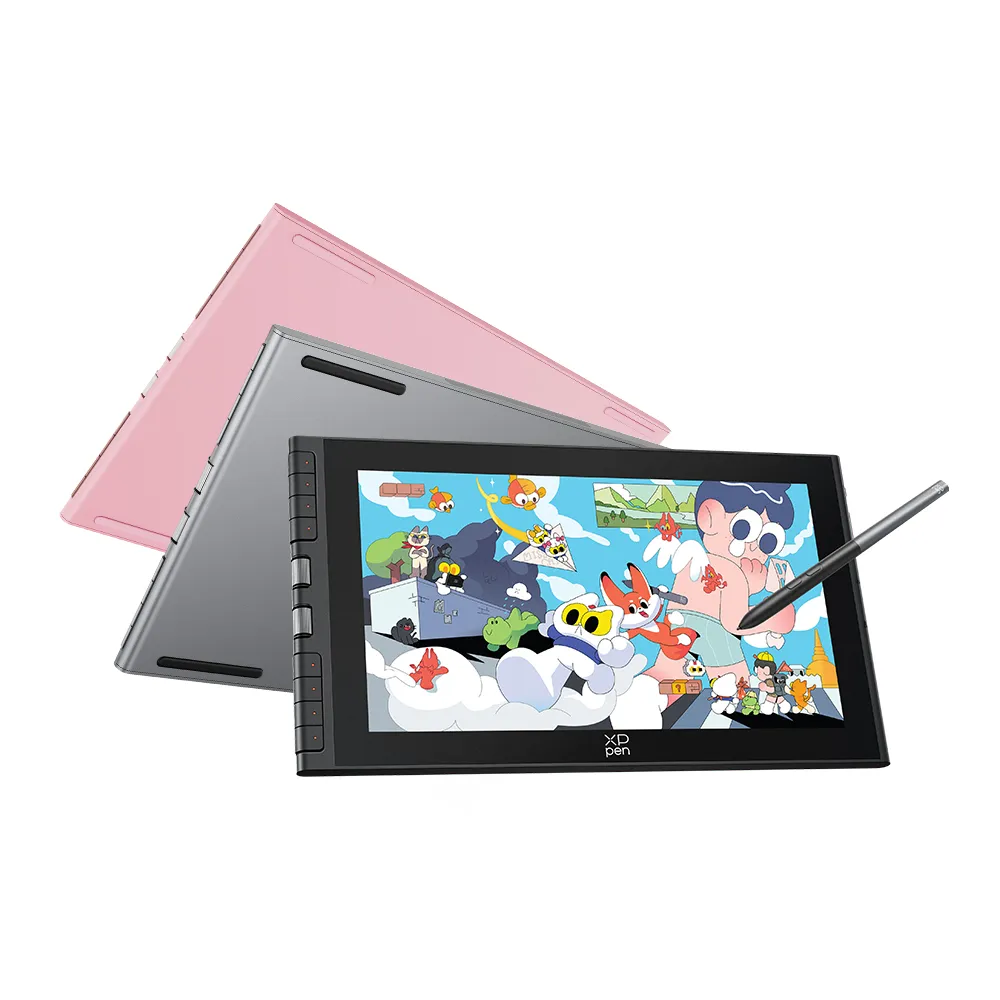
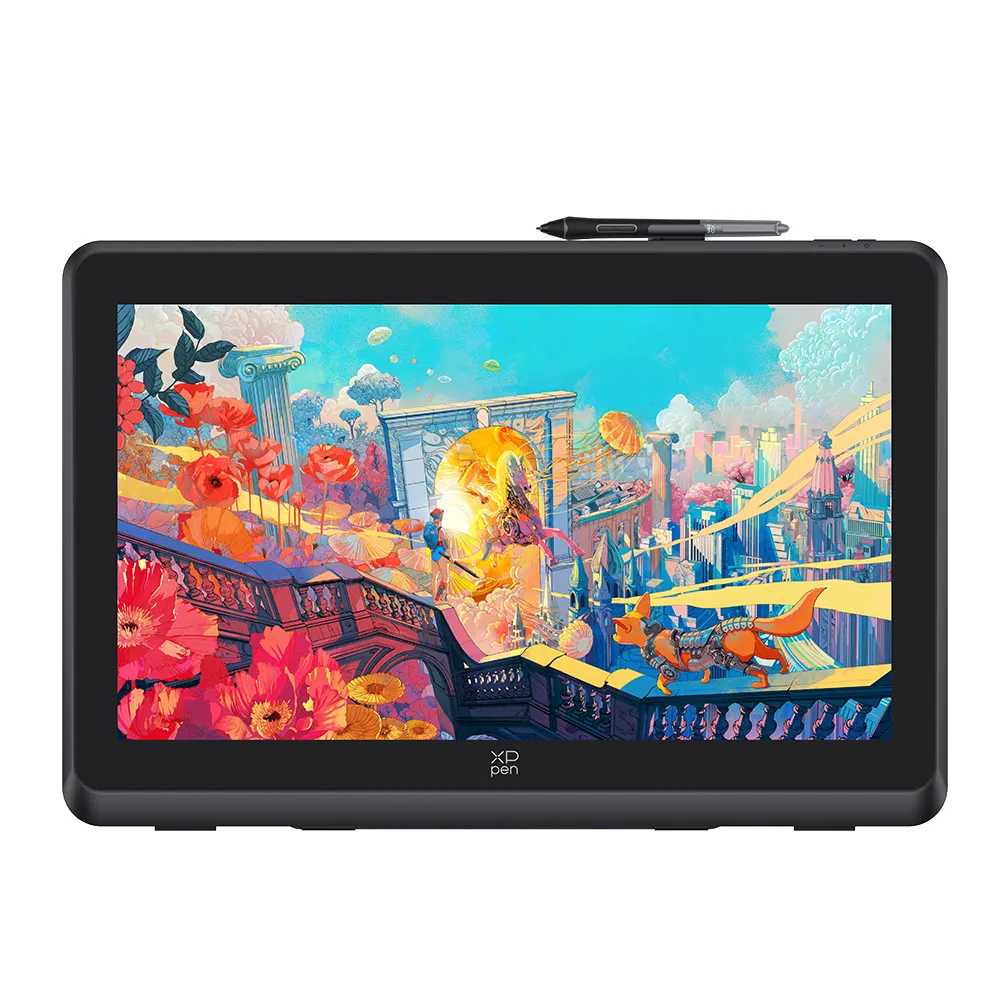
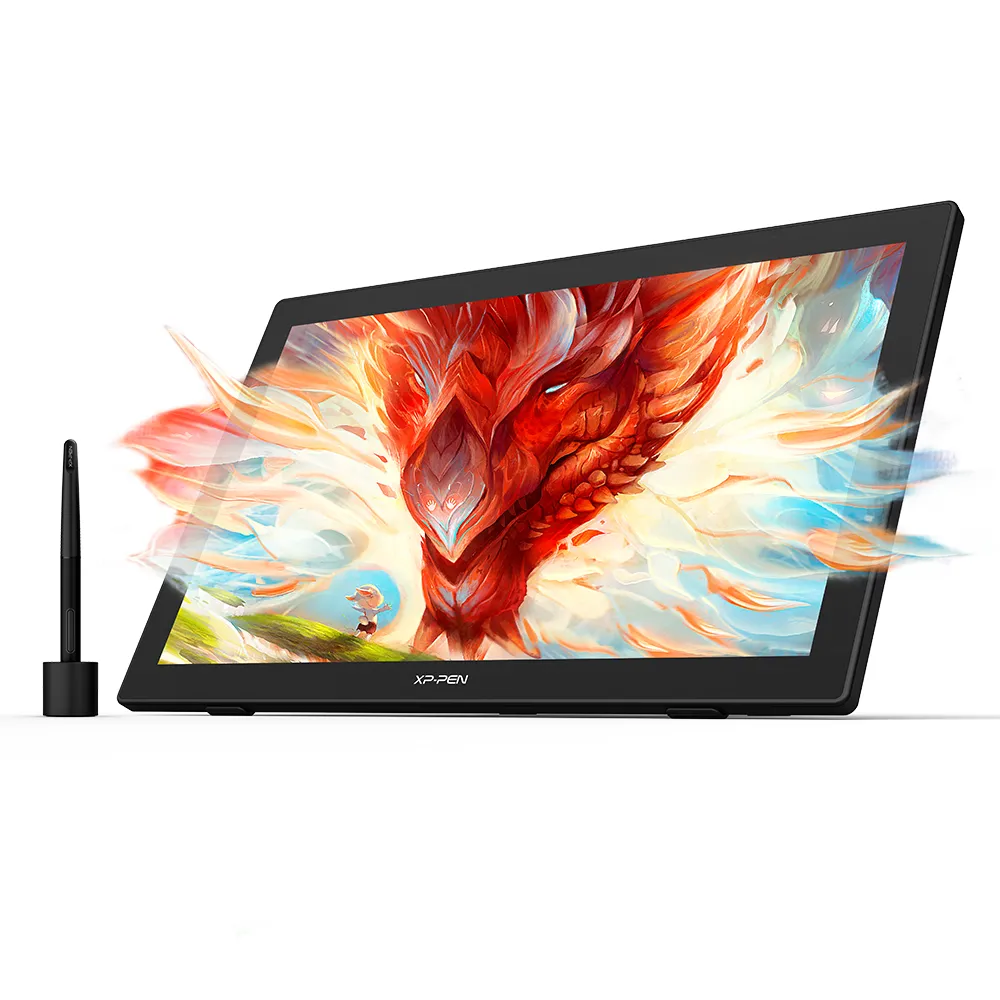
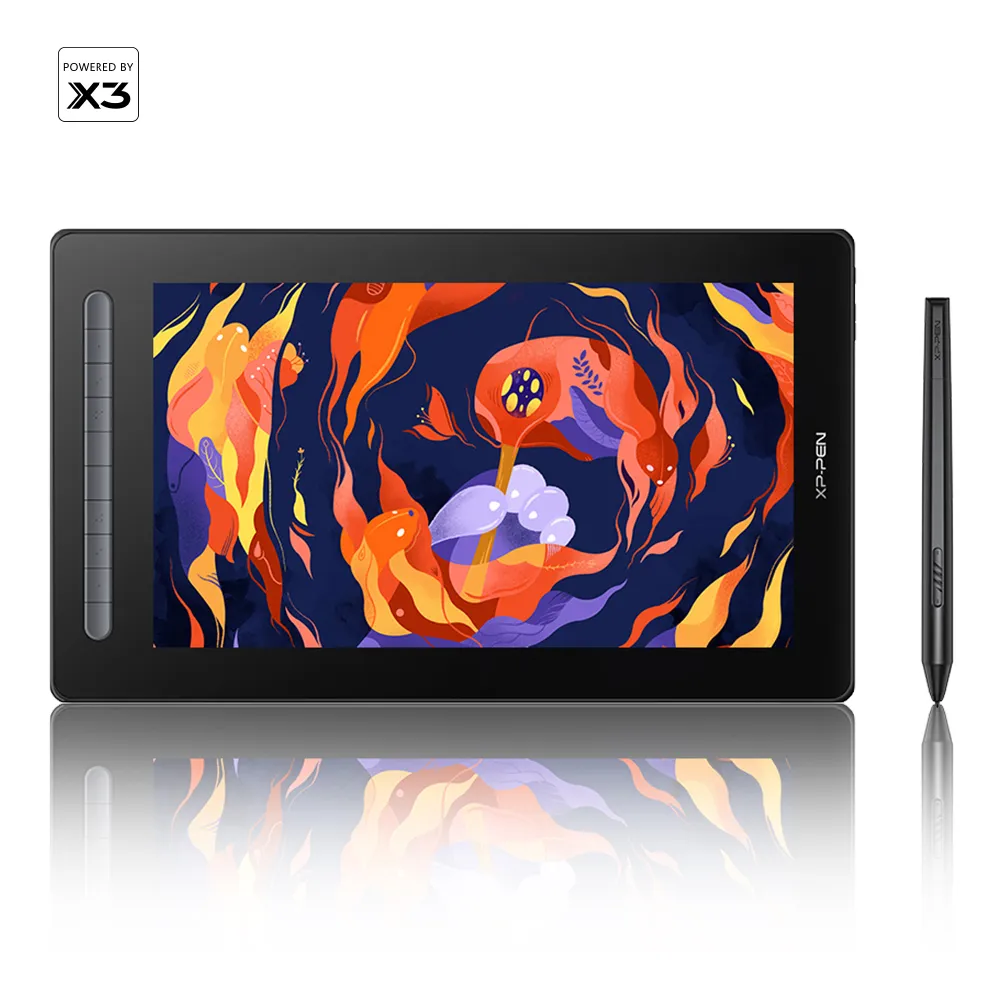
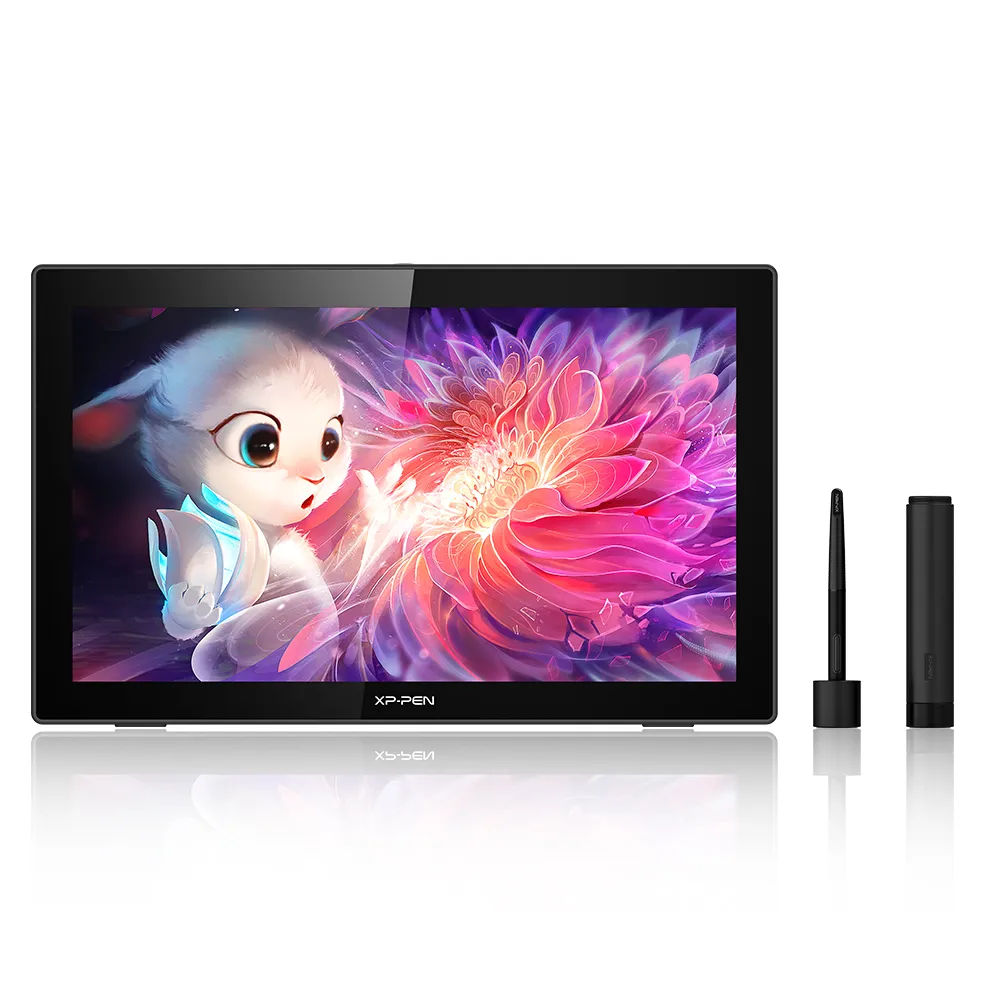
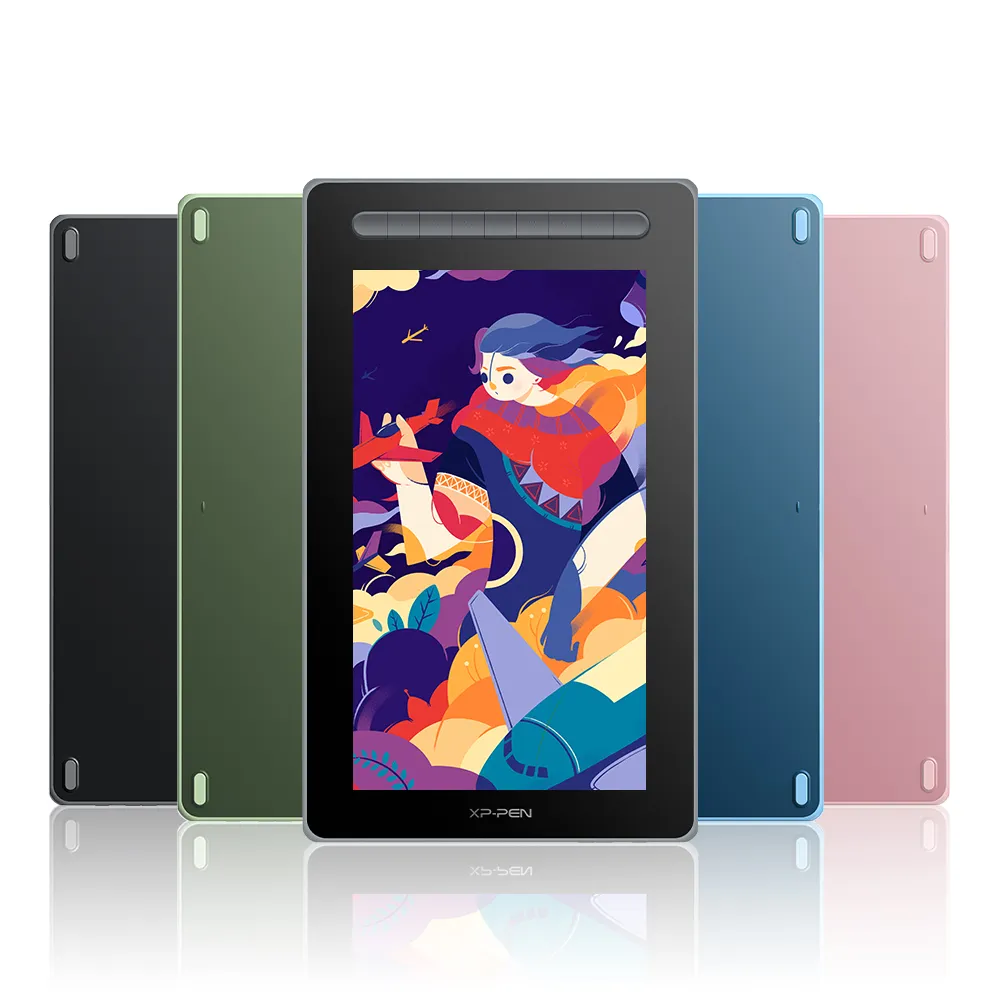
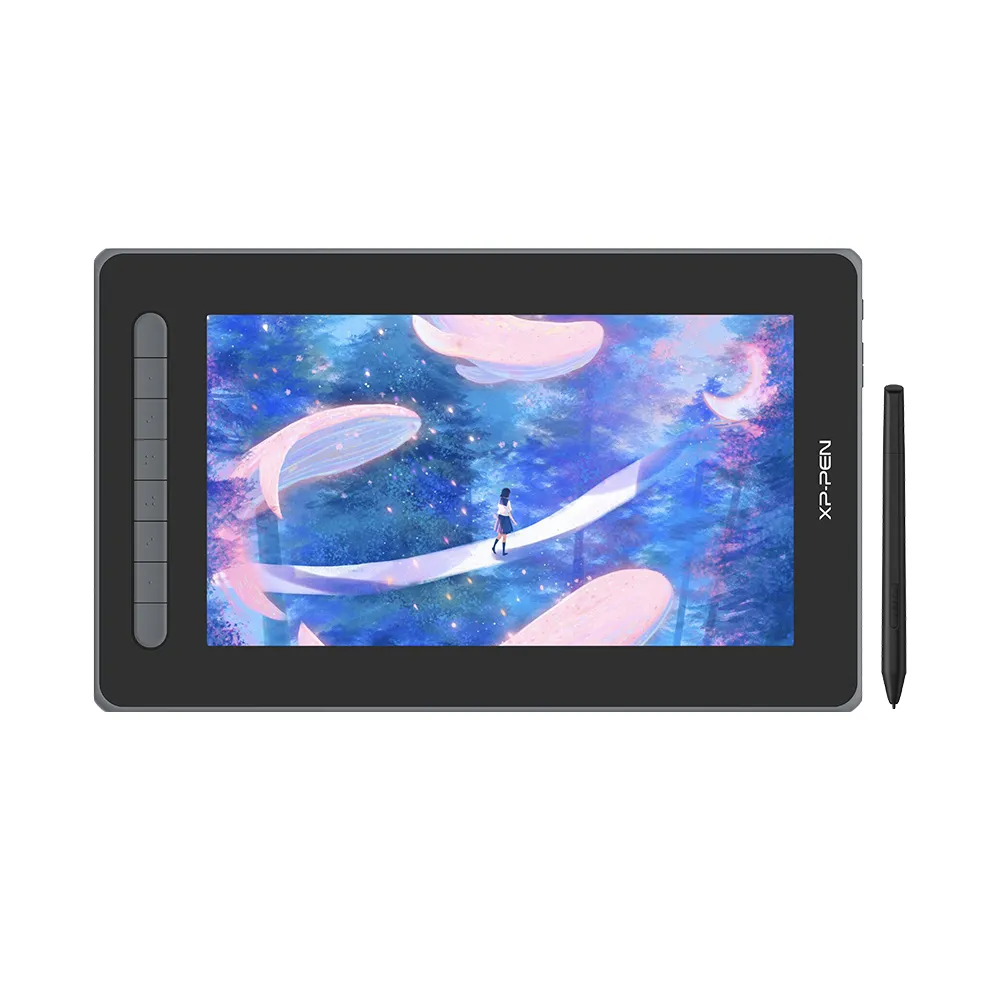
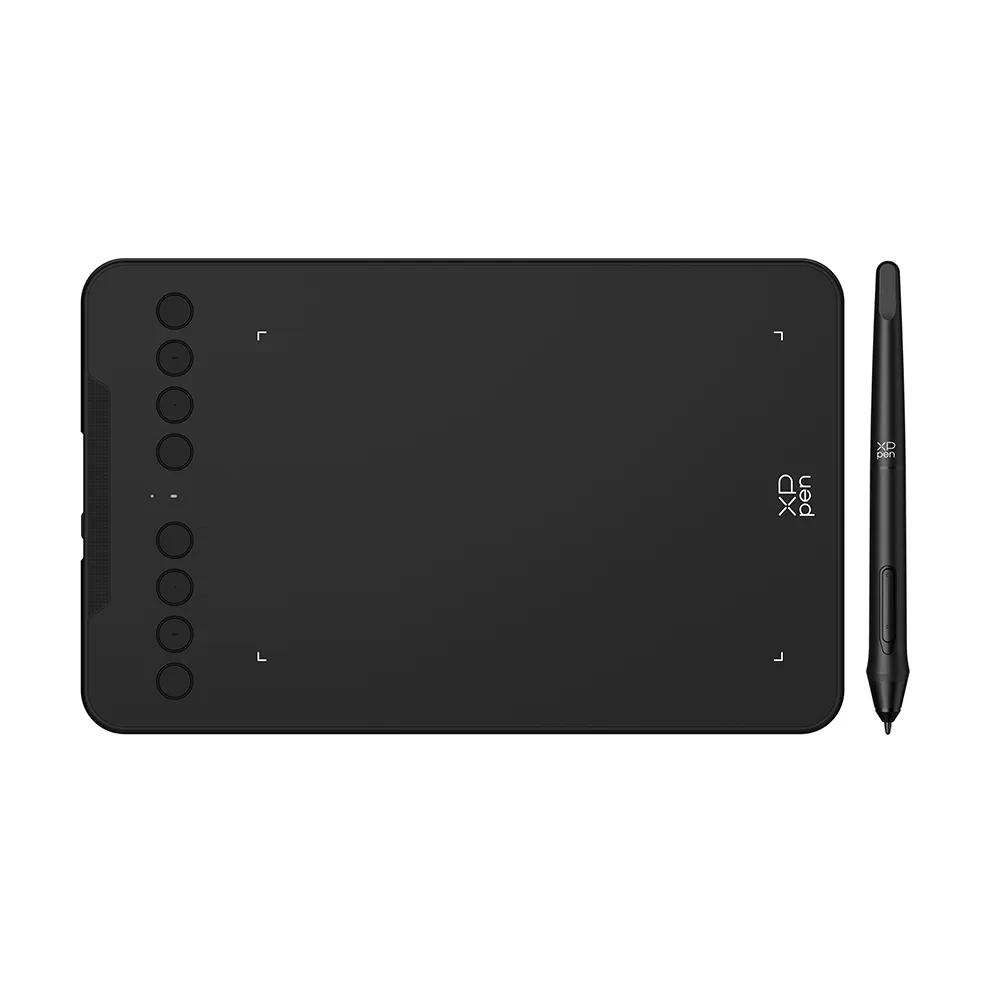
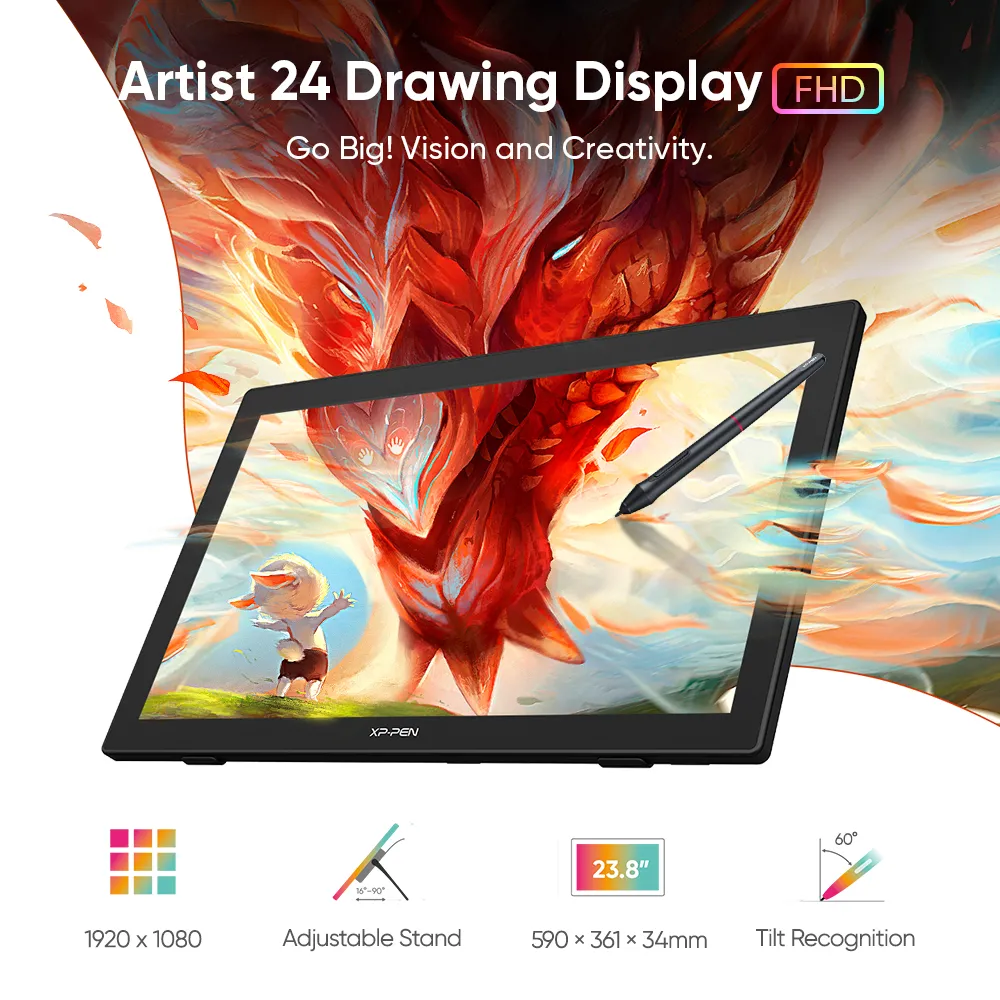
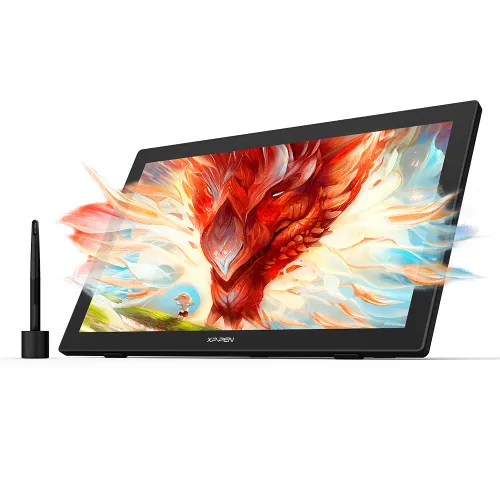


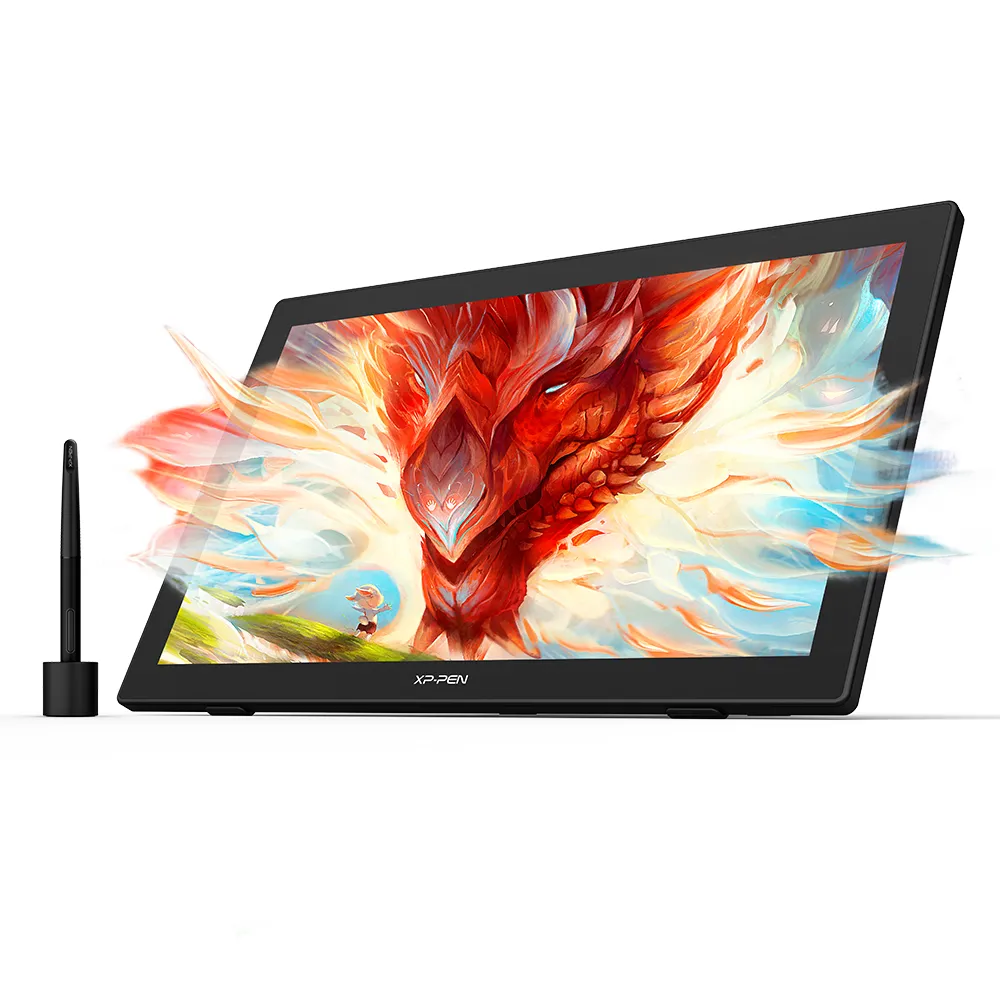
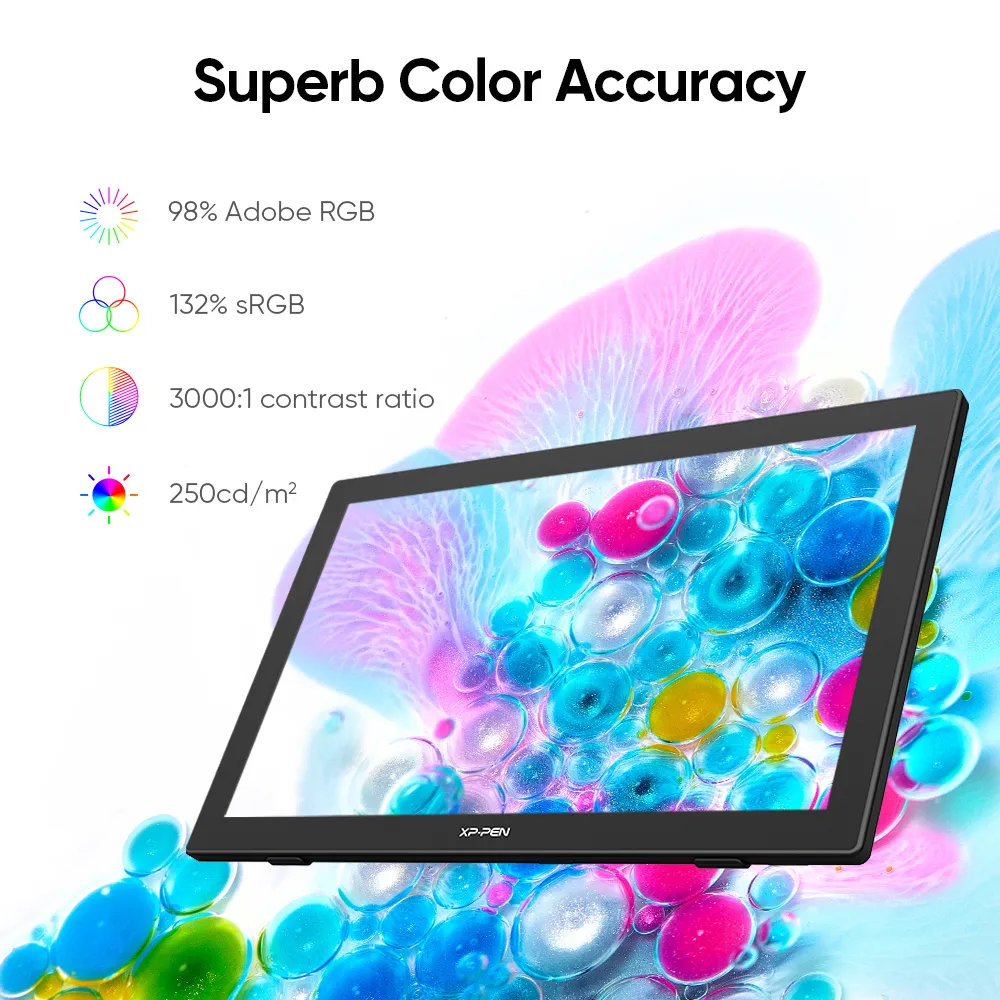
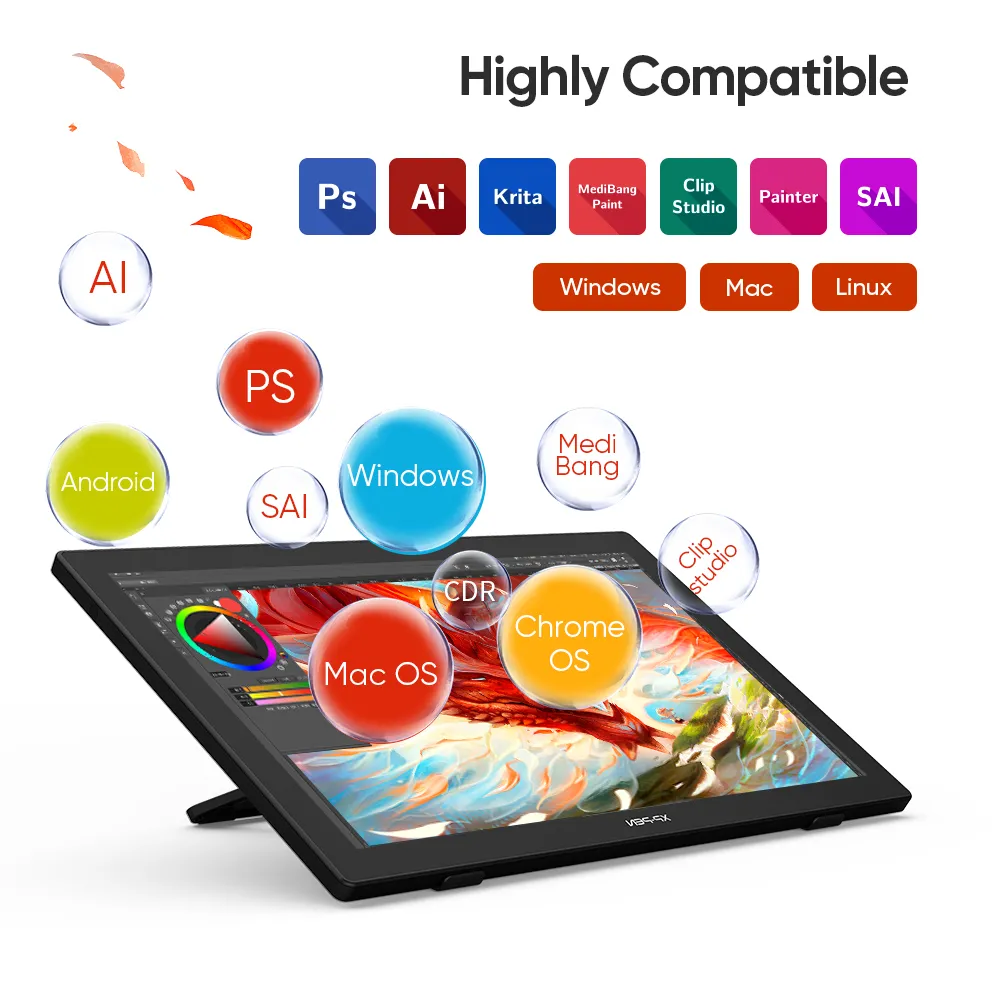
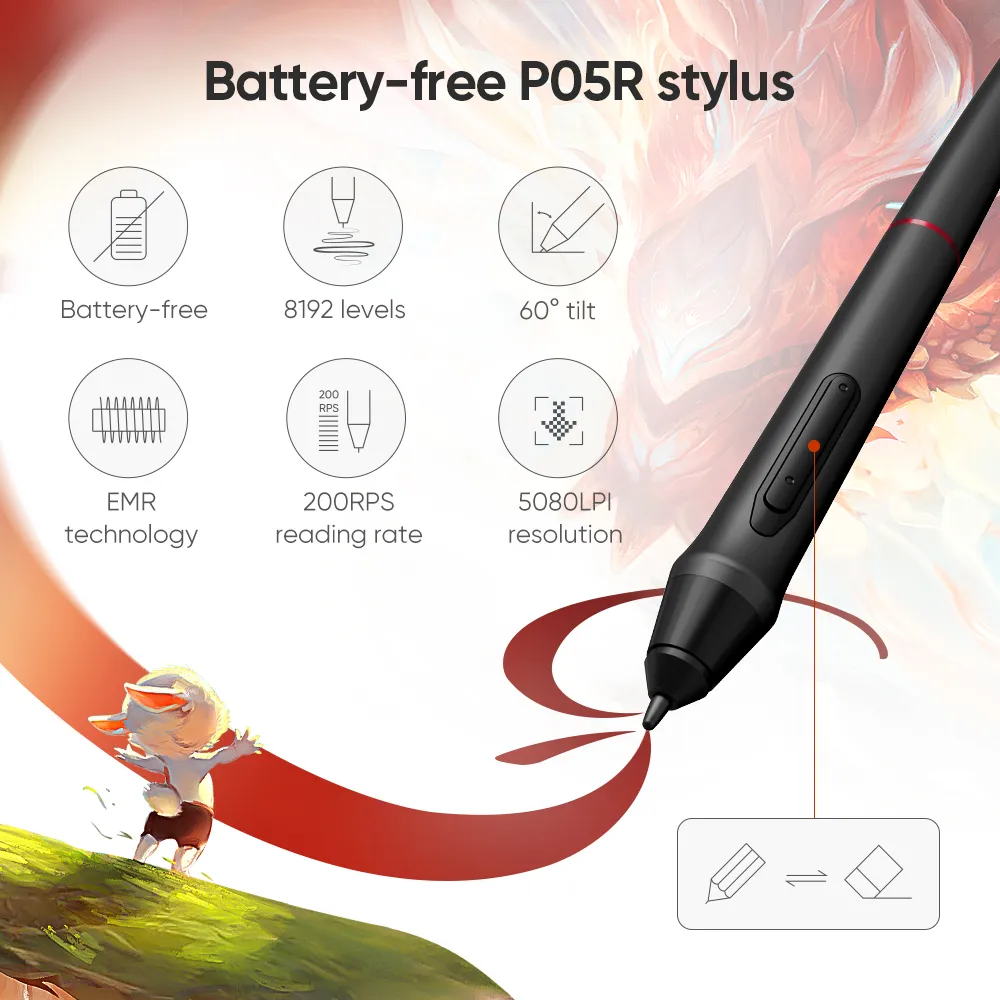
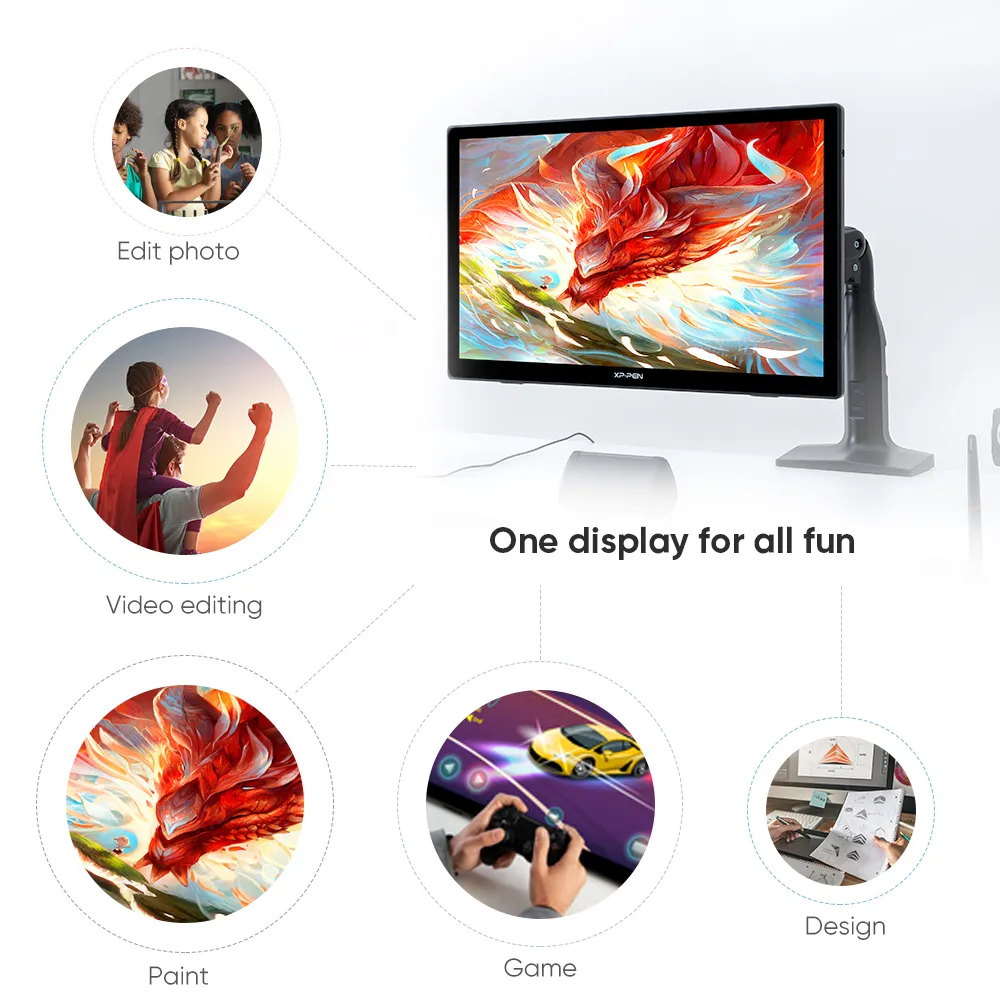
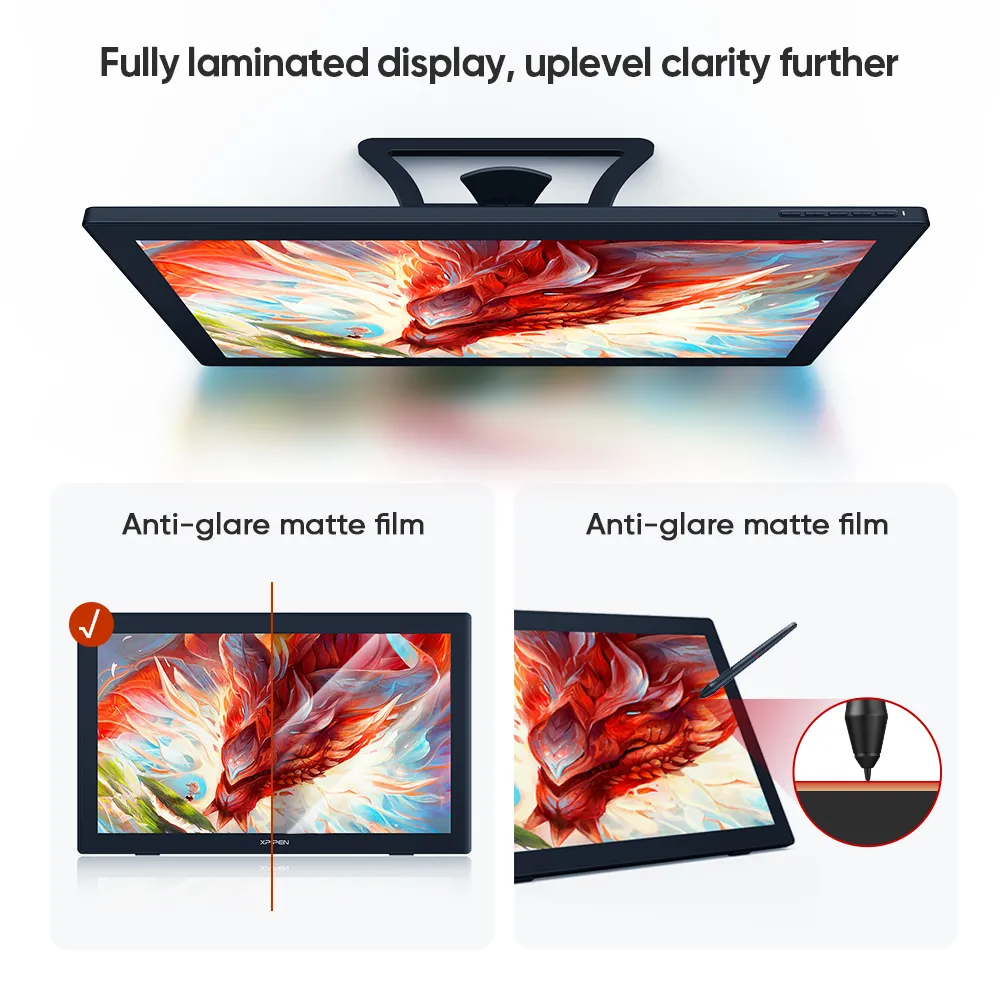
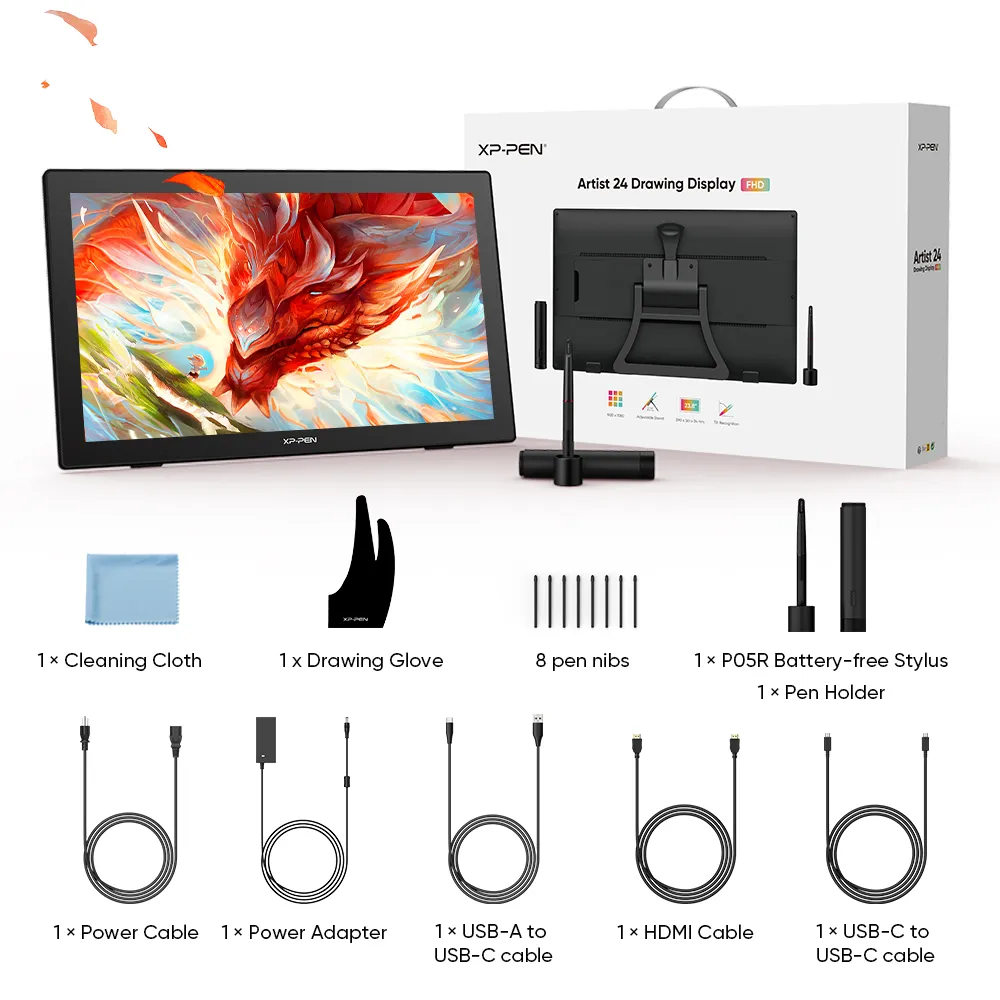


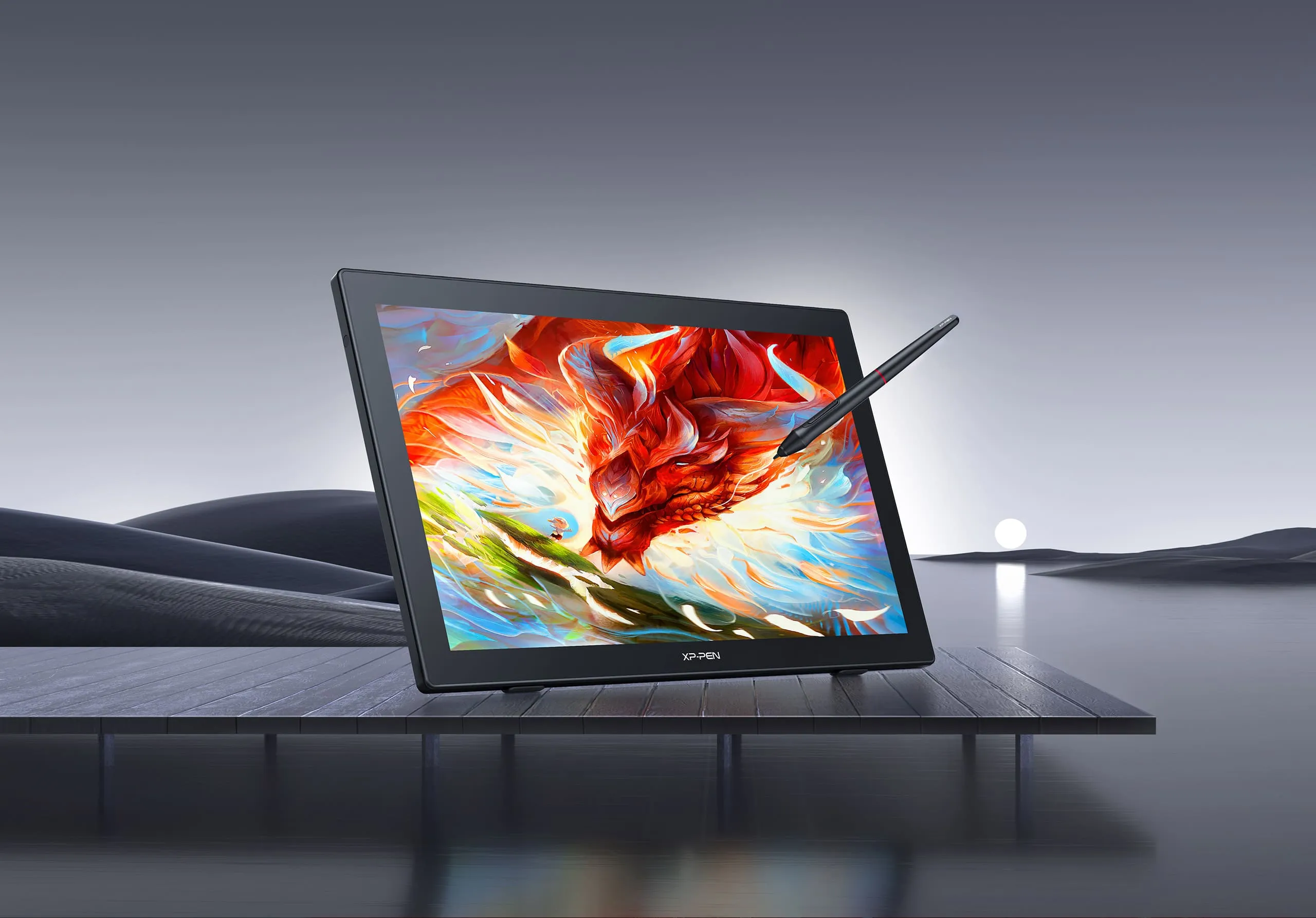

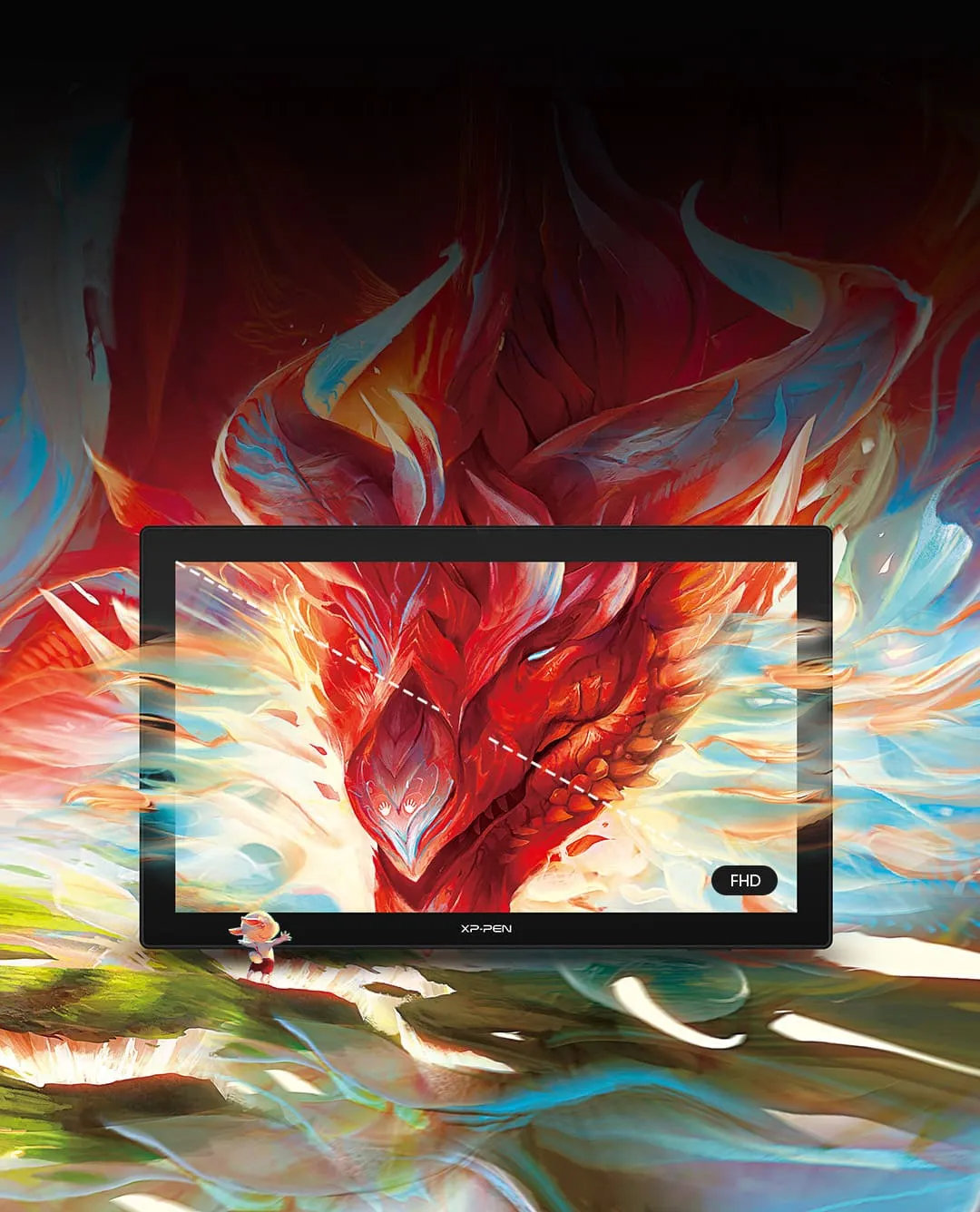



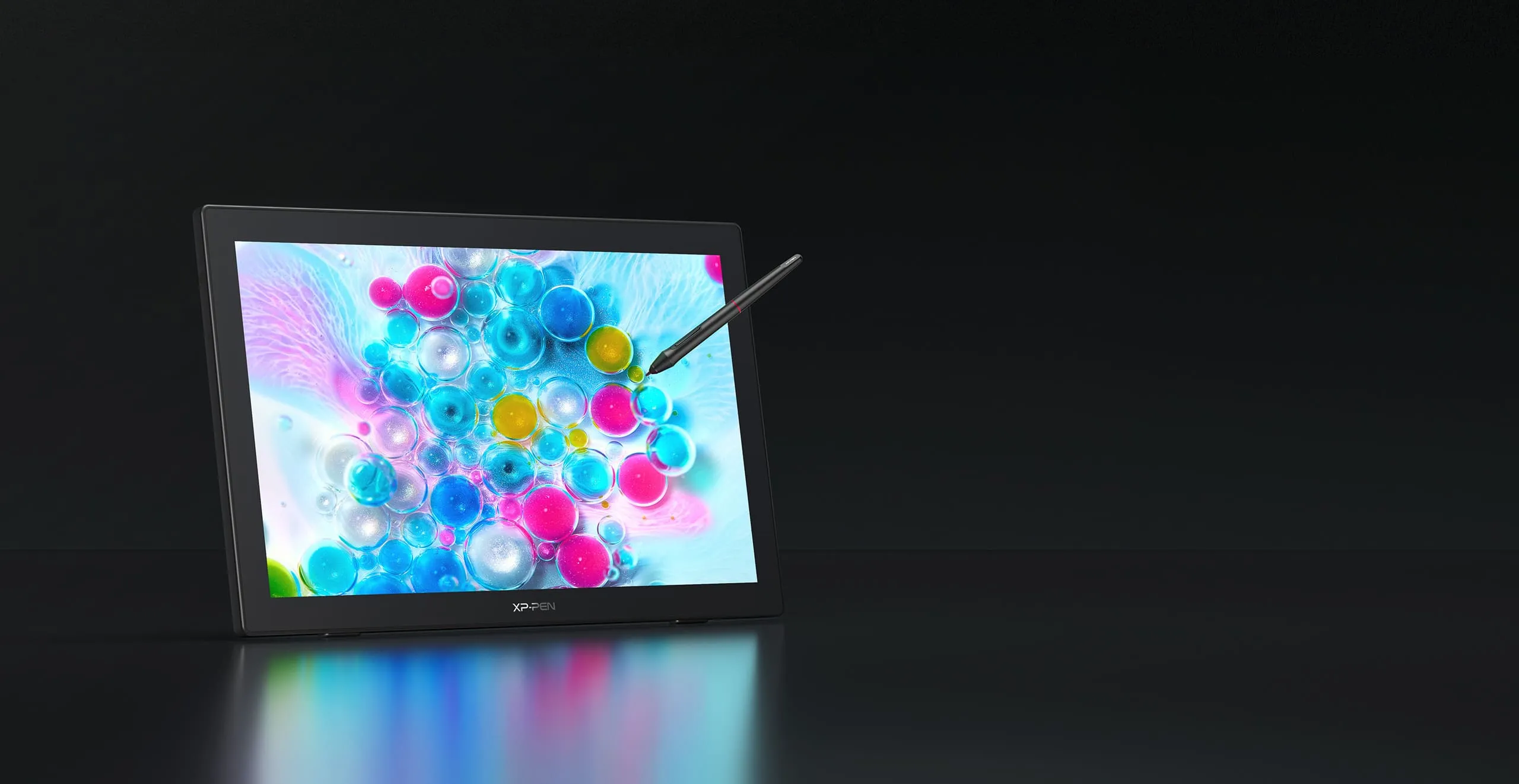
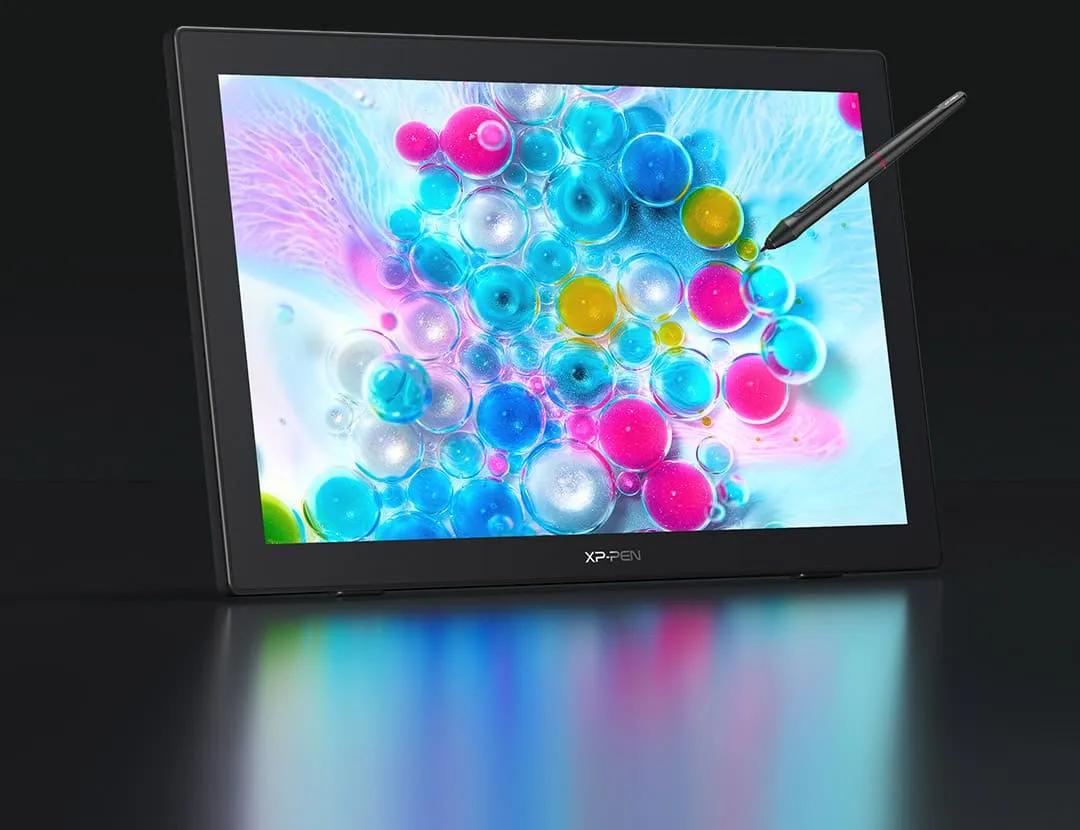
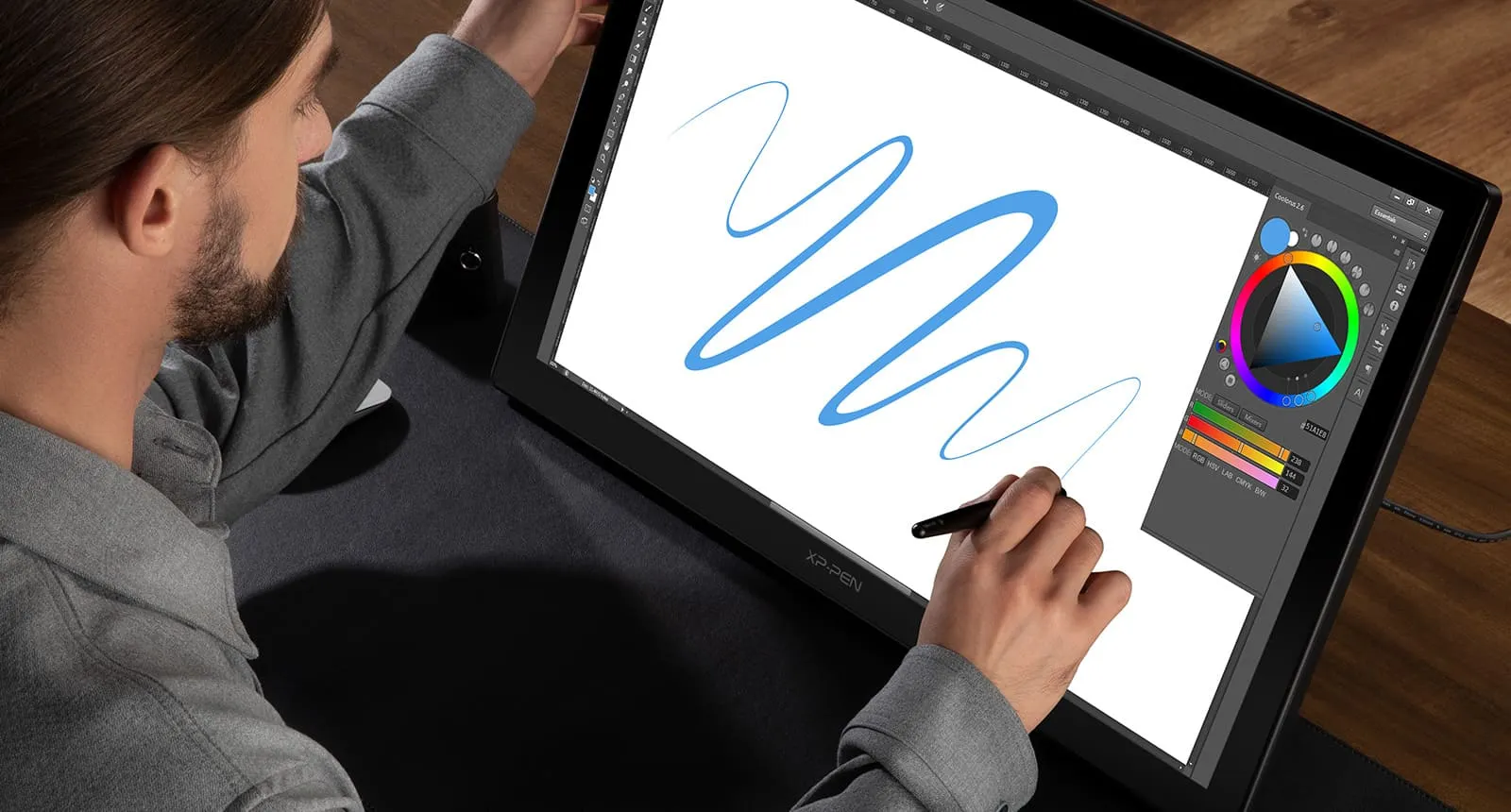


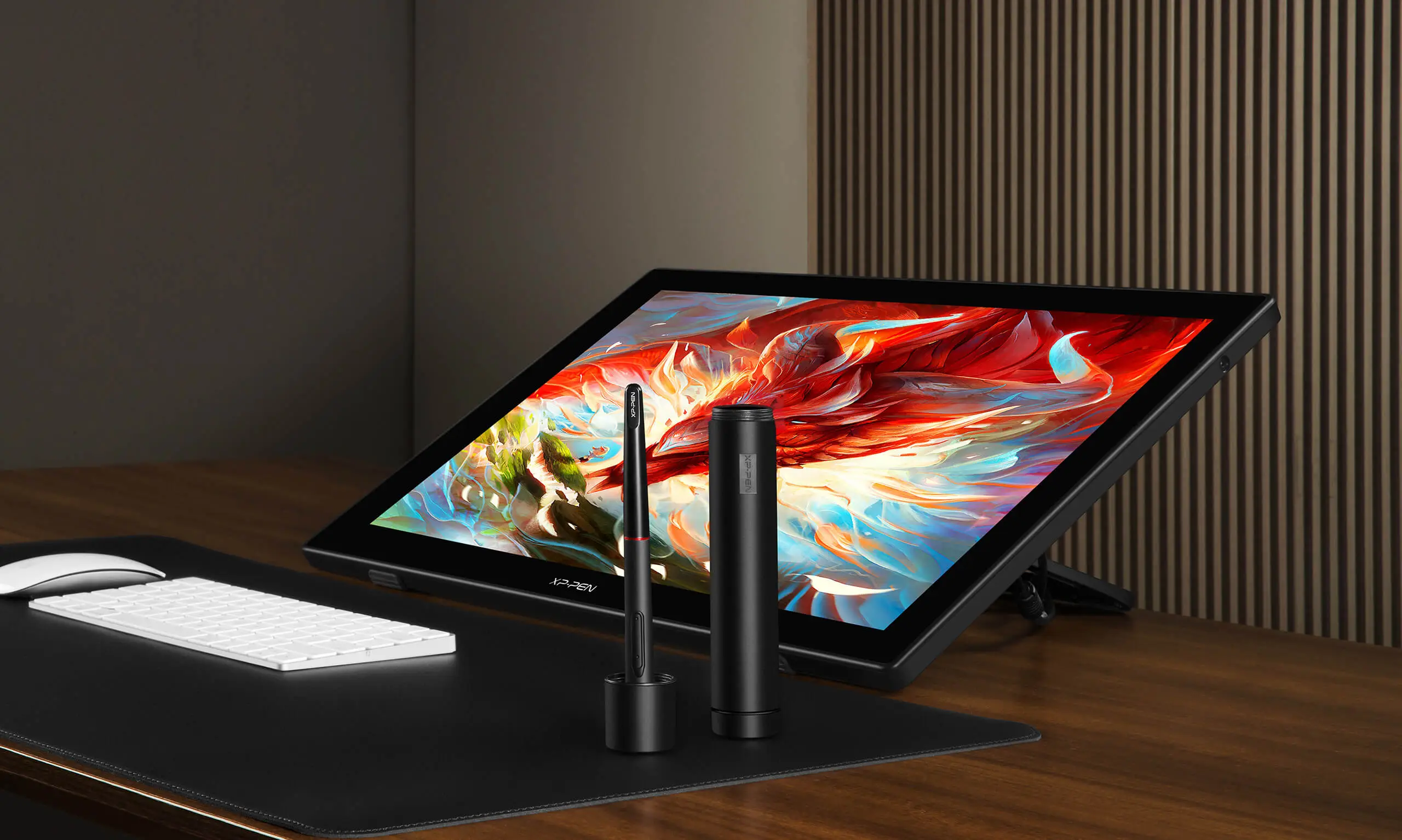
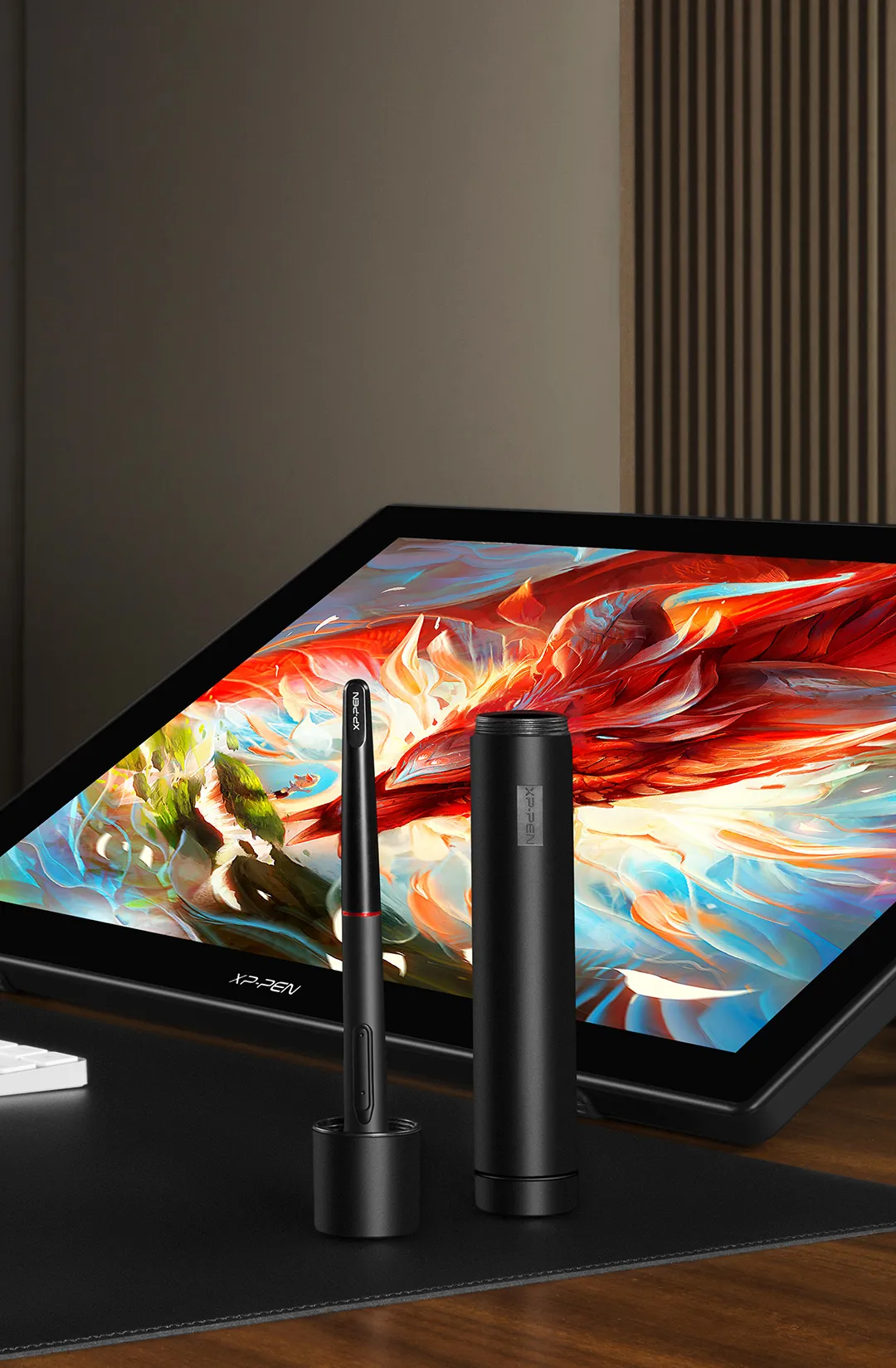


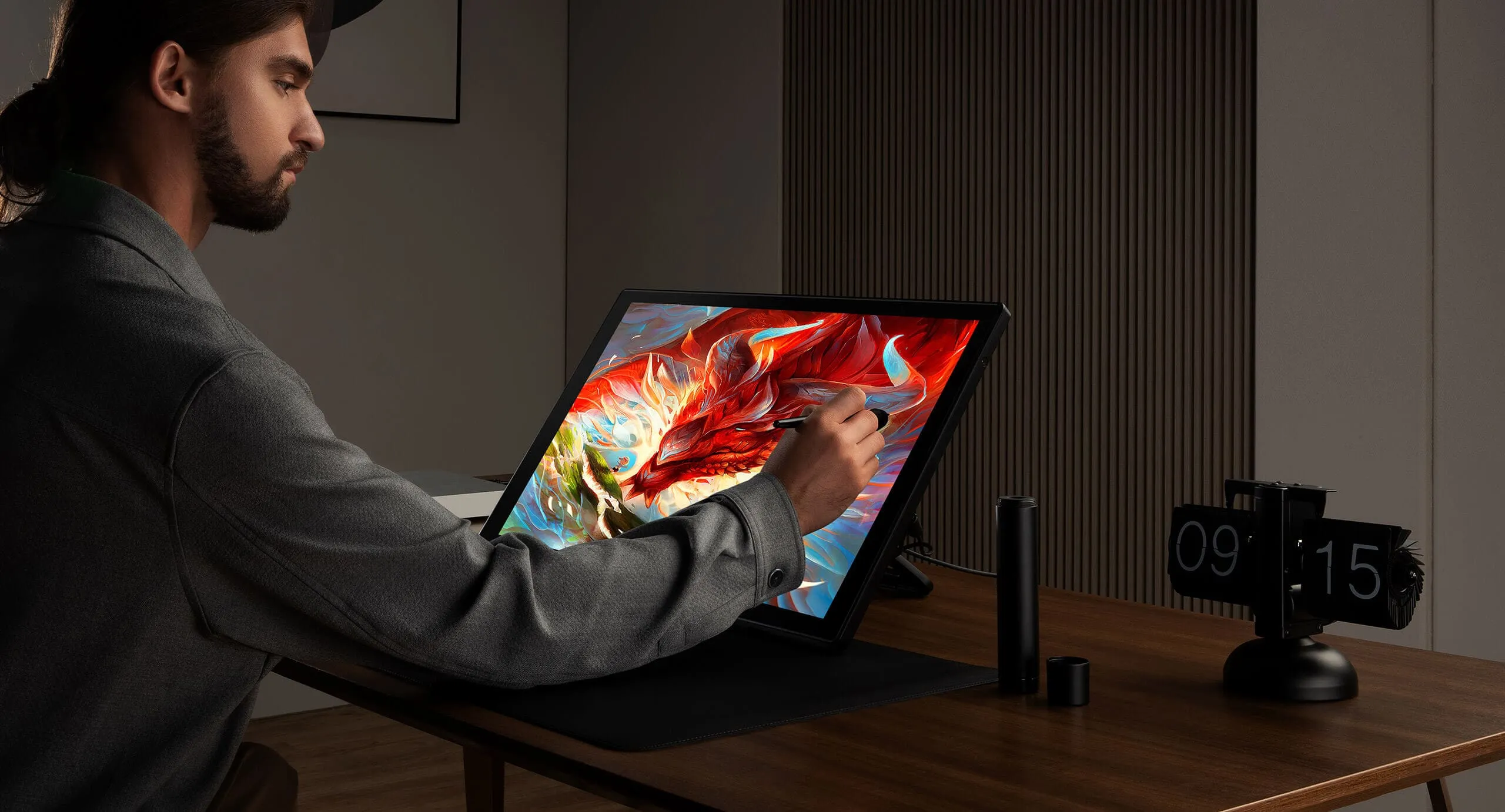
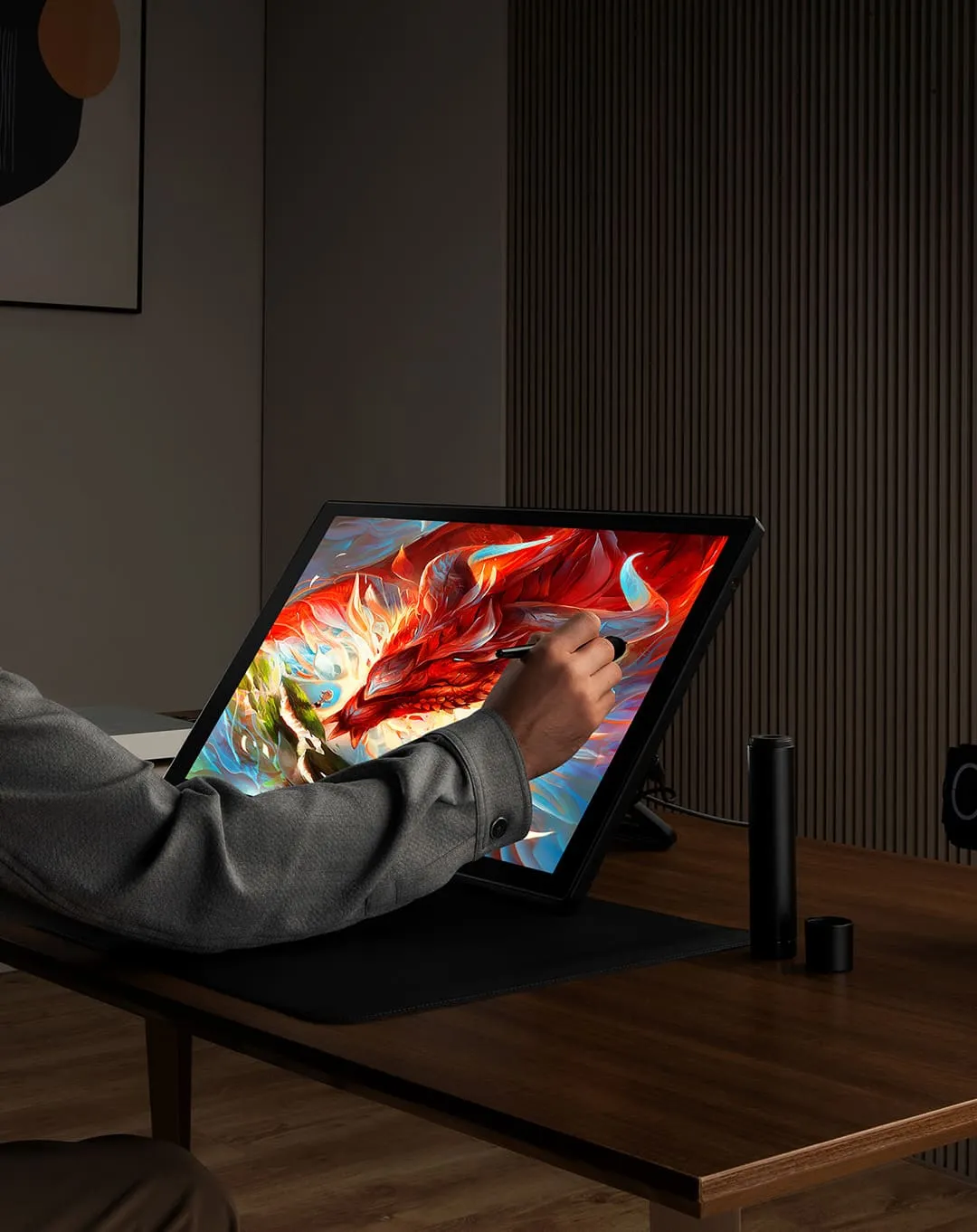
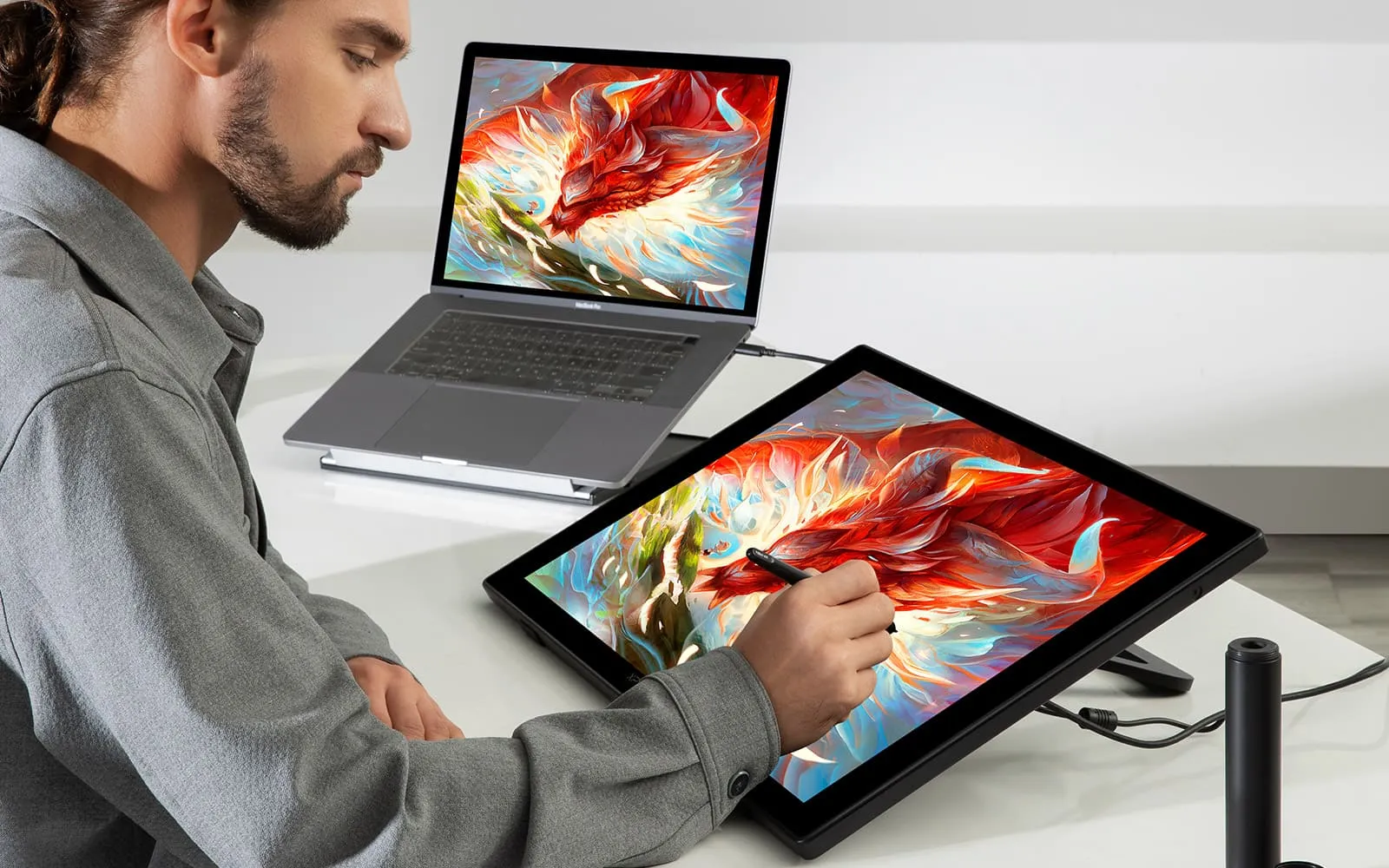

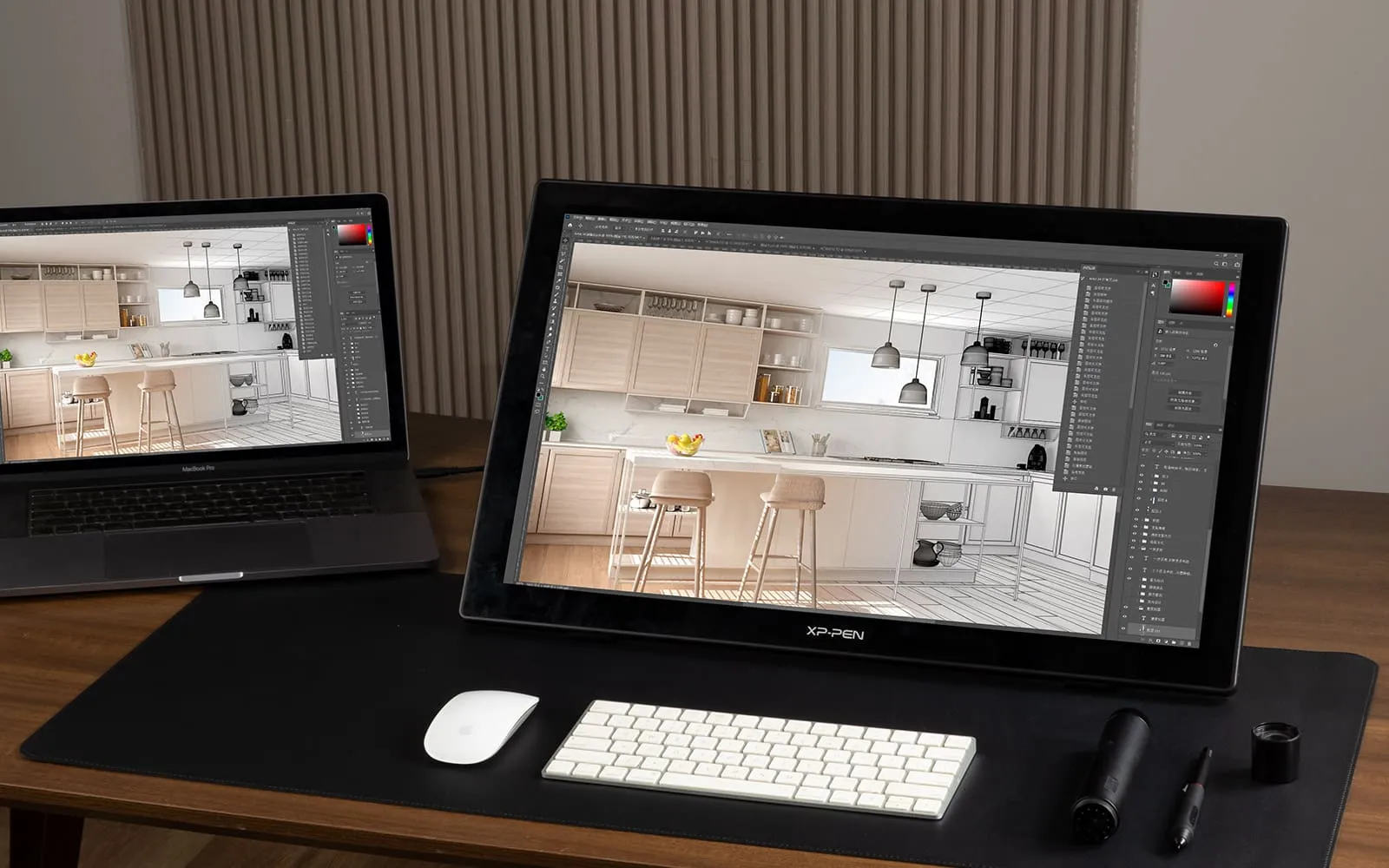
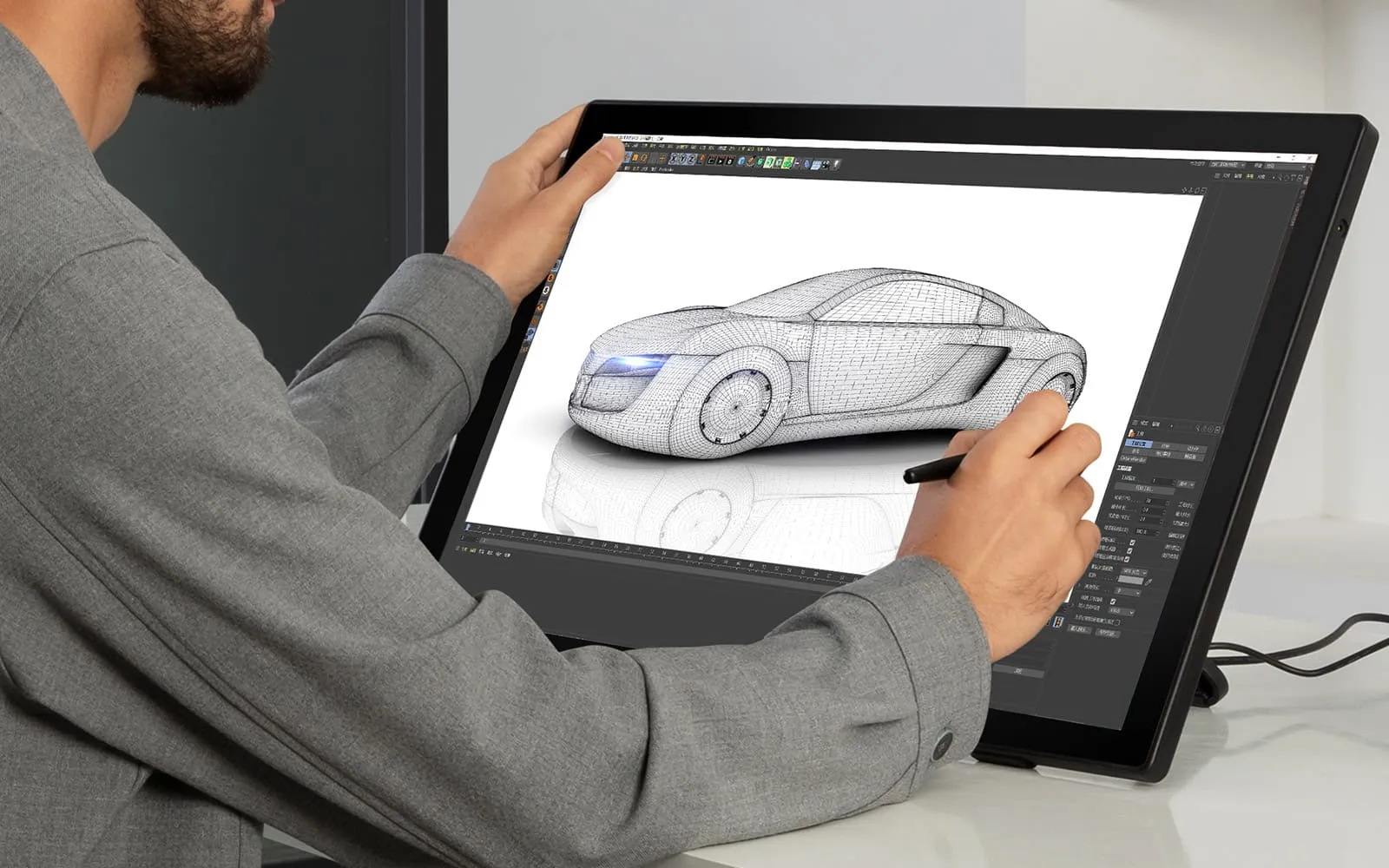

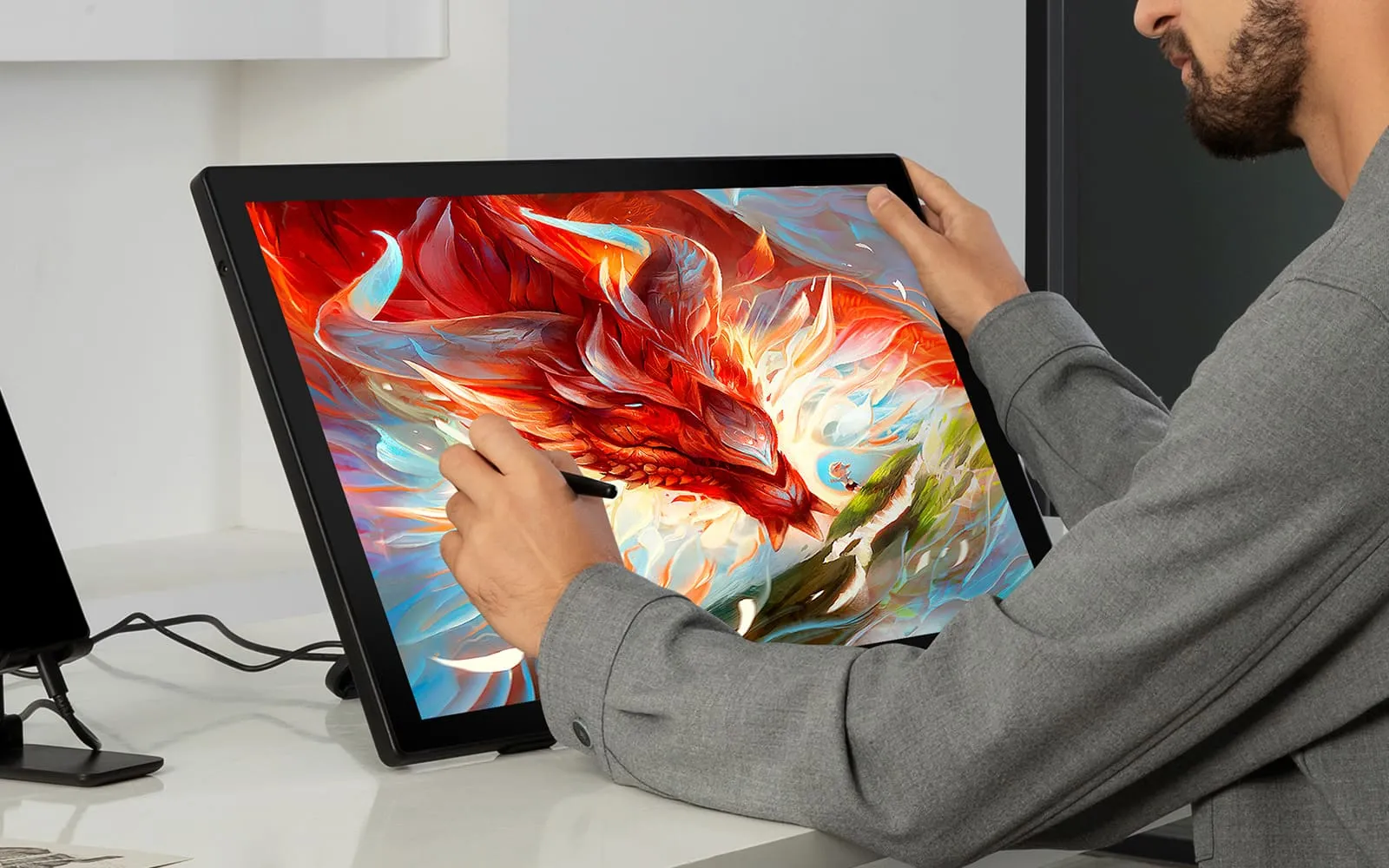
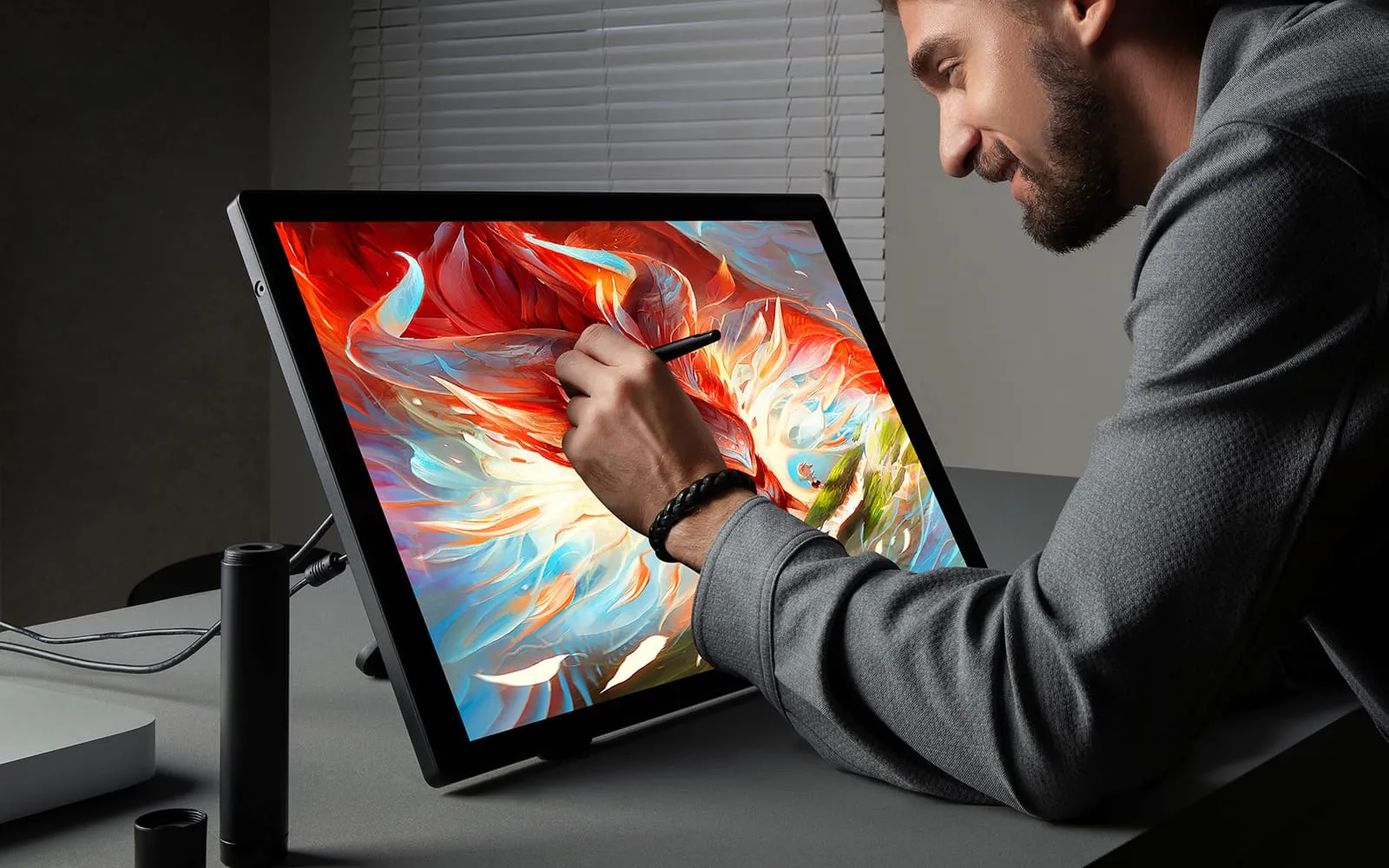







Getting started with your
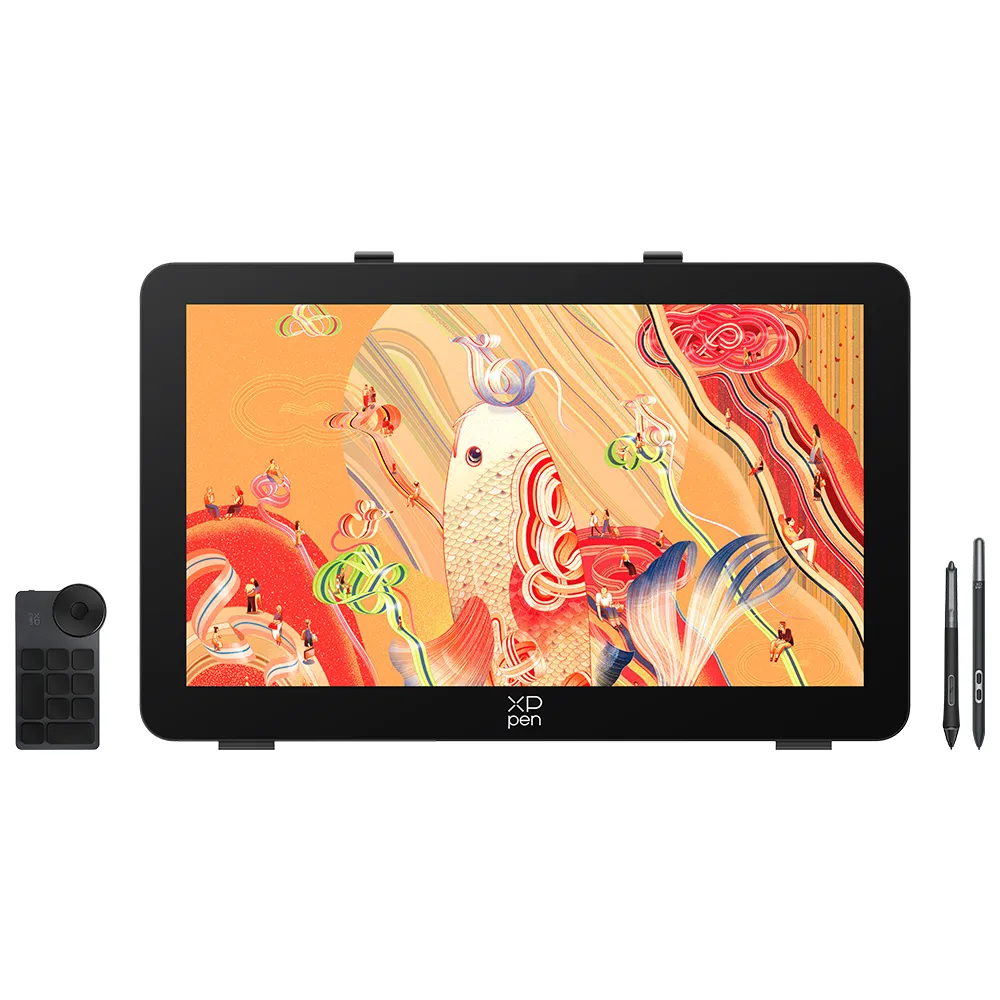
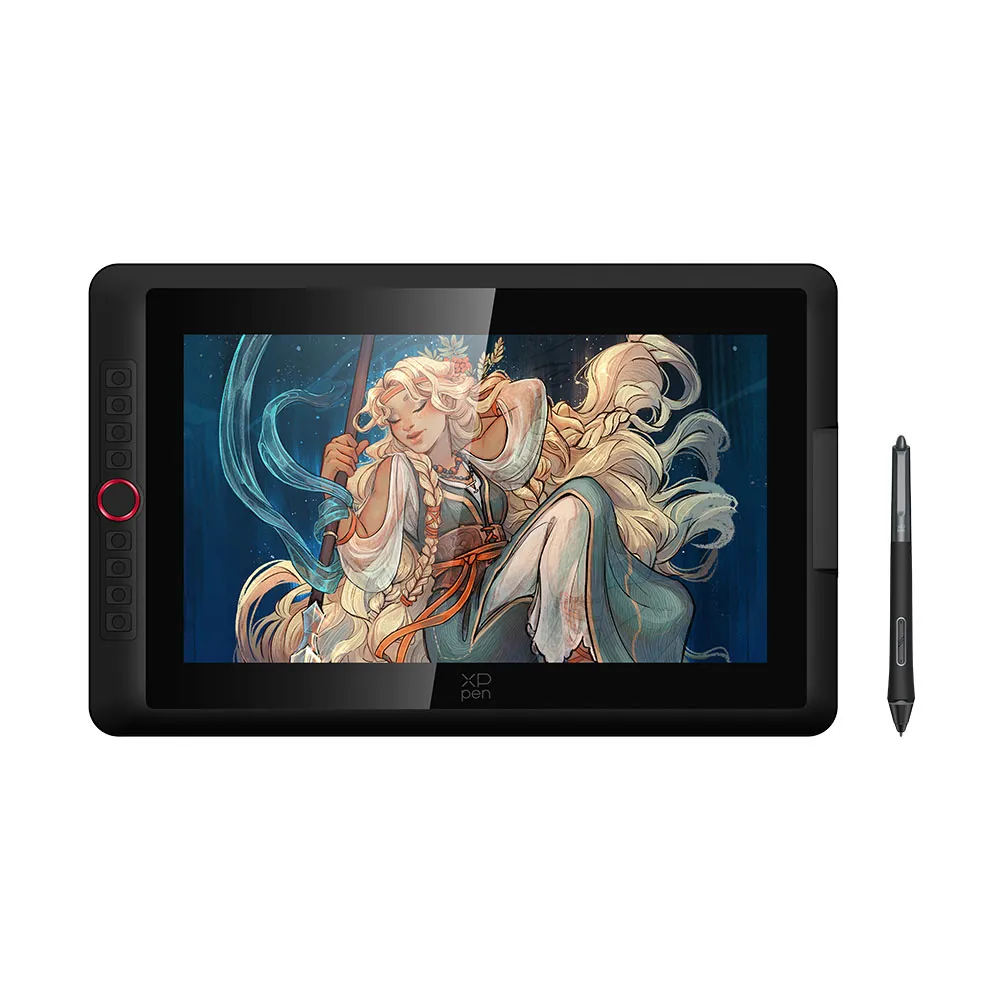
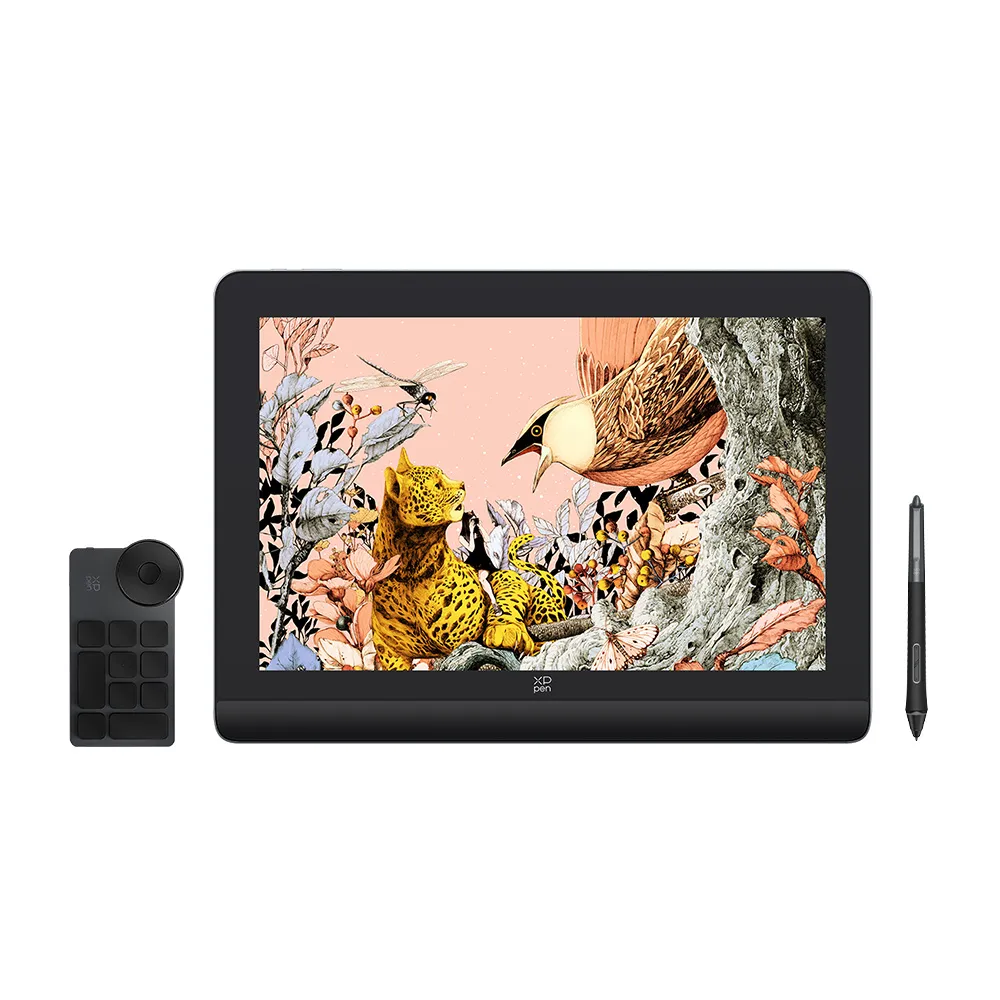
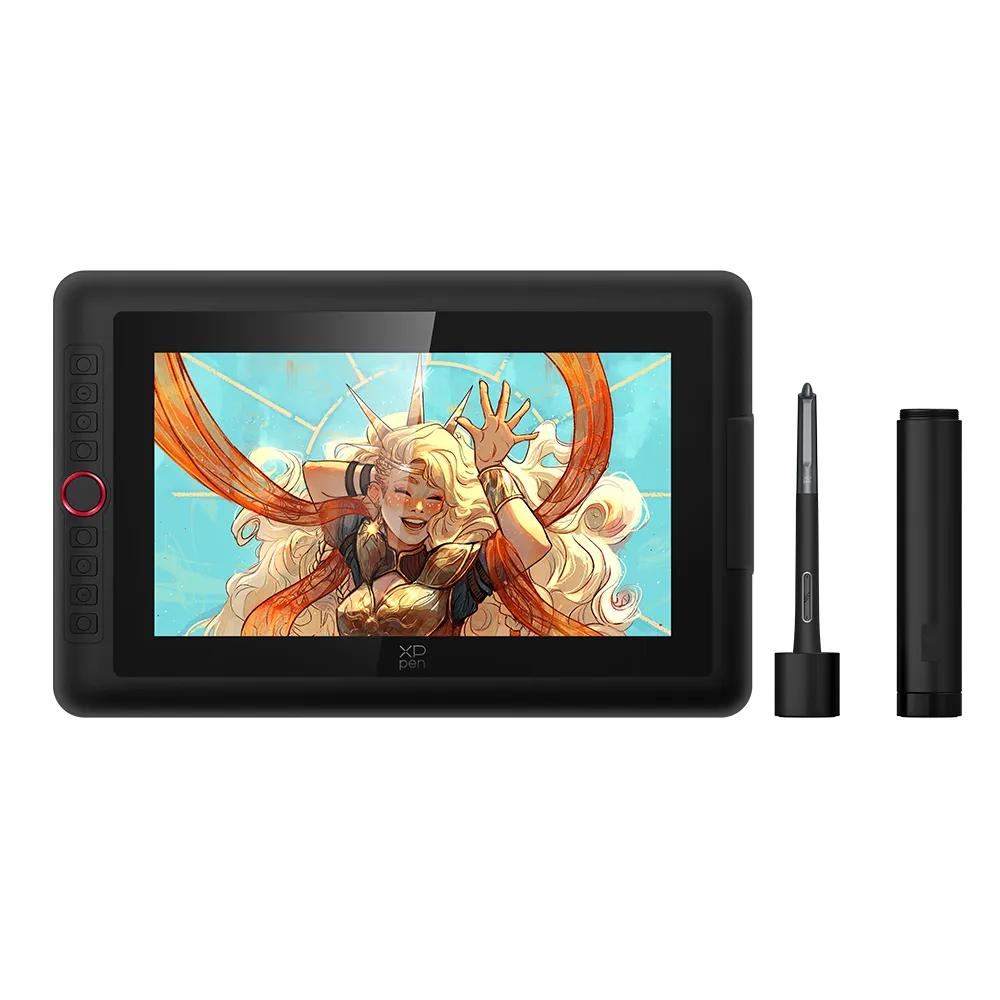
XPPen Artist 24 drawing display (FHD).


Accessories
Cables
![3 in 1 Cable for Artist10S, Artist13.3, Artist 12 Pro, Artist 13.3 Pro, Artist15.6 and Artist15.6 Pro(Cable)]()
![3 in 1 Cable compatible with Artist (Gen 2) series display]()
![3 in 1 Multifunctional USB-C Hub (Type C to USB+HDMI+PD)]()
![USB Cable for StarG640]()
![Extension Cable Only For Artist 12/ Artist 12 Pro/ Artist 13.3 Pro/ Artist 15.6/ Artist 15.6 Pro/ Innovator 16]()
![USB Cable only for XP-PEN Deco 01/ Deco 01 V2/ Deco 02/ Deco 03/ Deco Pro/ Deco Mini 4/ Deco Mini 7]()
![Power Adapter Only Magic Drawing Pad]()
![TYPE-C to TYPE-C cable for Artist Pro 16 (Gen 2)]()
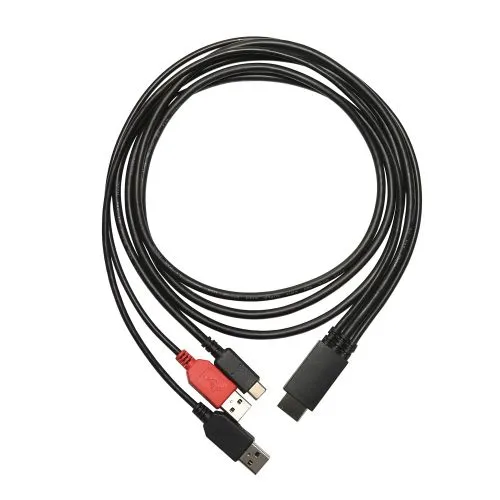
3 in 1 Cable for Artist10S, Artist13.3, Artist 12 Pro, Artist 13.3 Pro, Artist15.6 and Artist15.6 Pro(Cable)
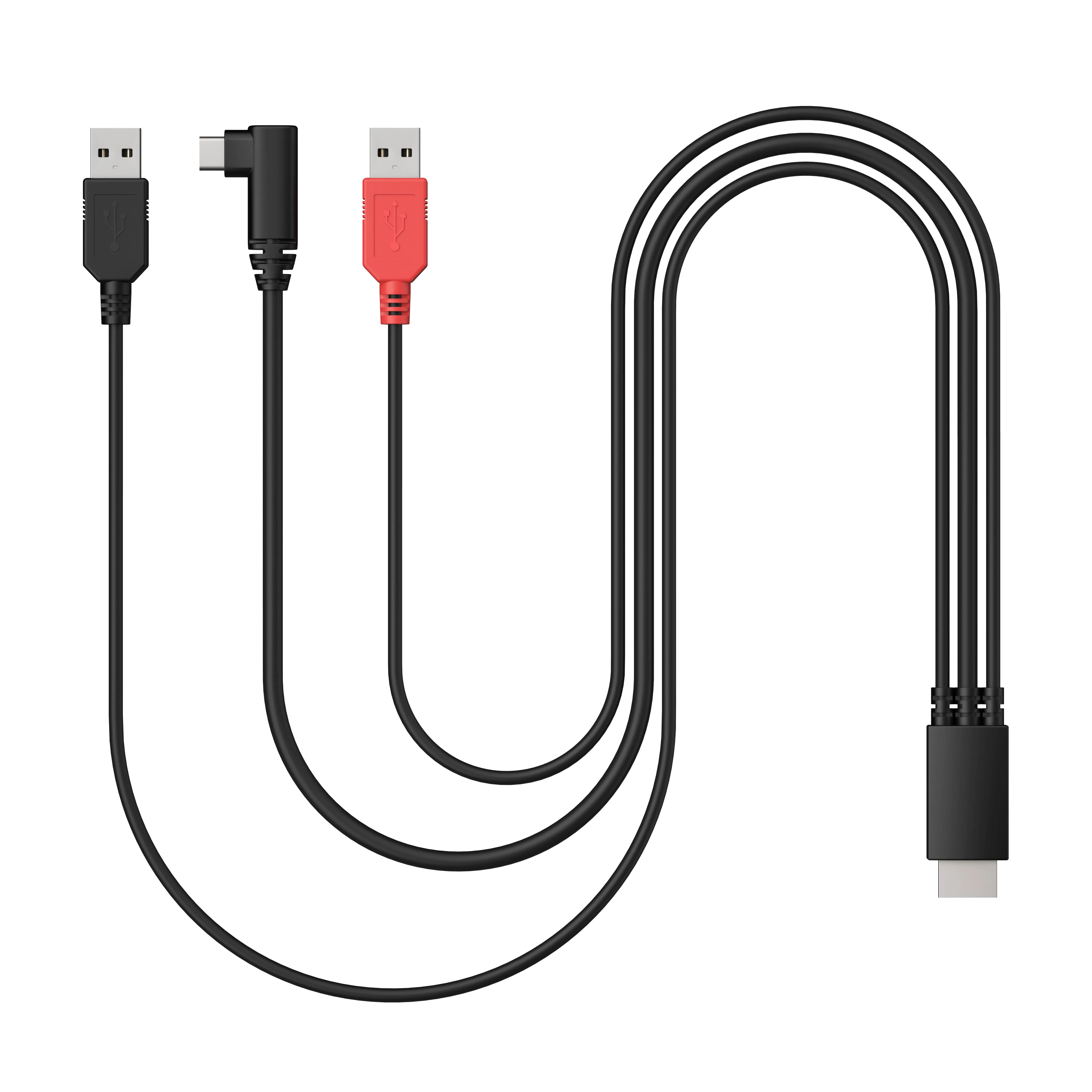
3 in 1 Cable compatible with Artist (Gen 2) series display
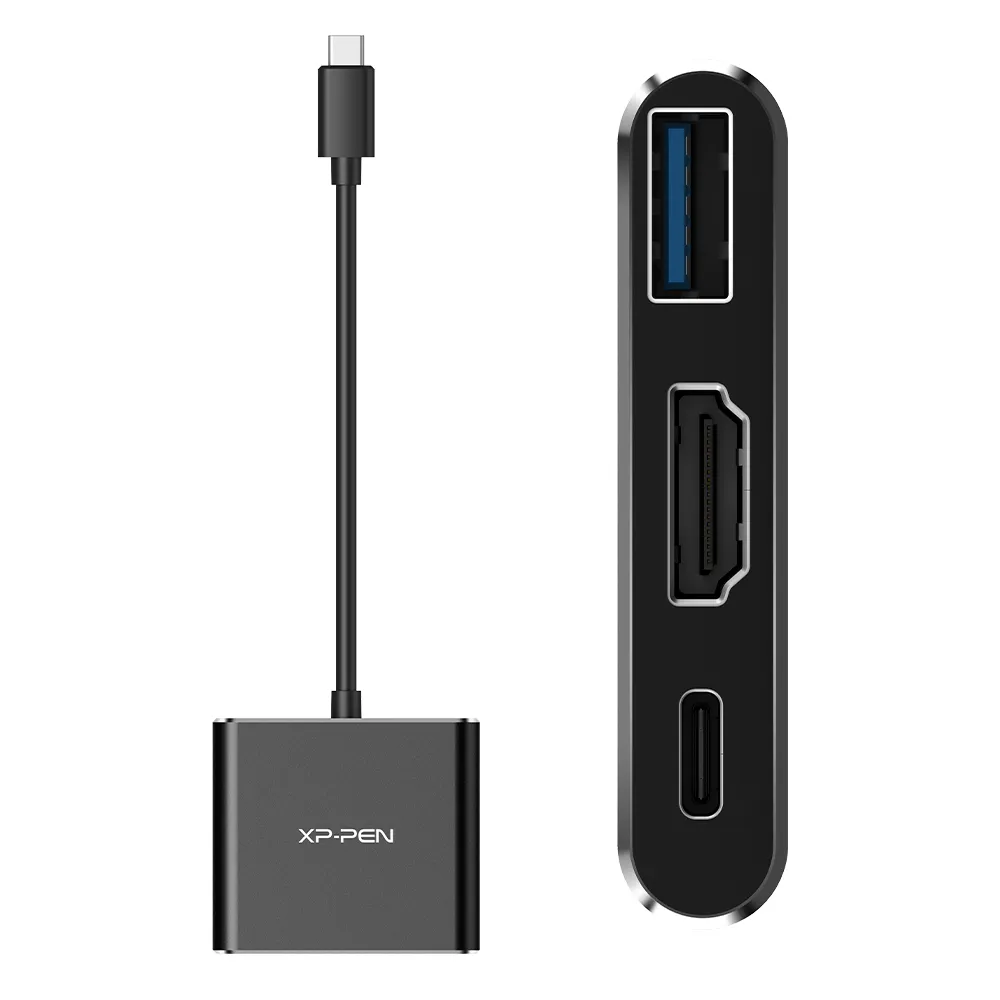
3 in 1 Multifunctional USB-C Hub (Type C to USB+HDMI+PD)
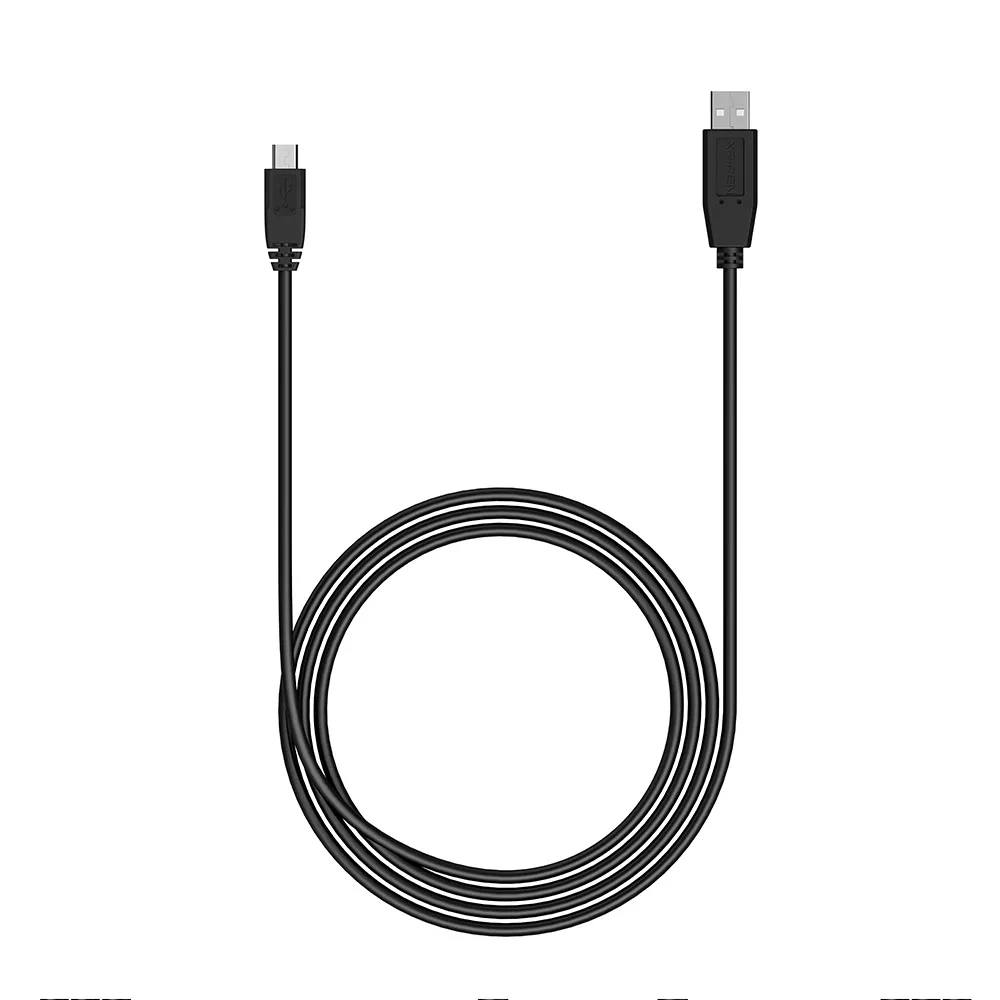
USB Cable for StarG640
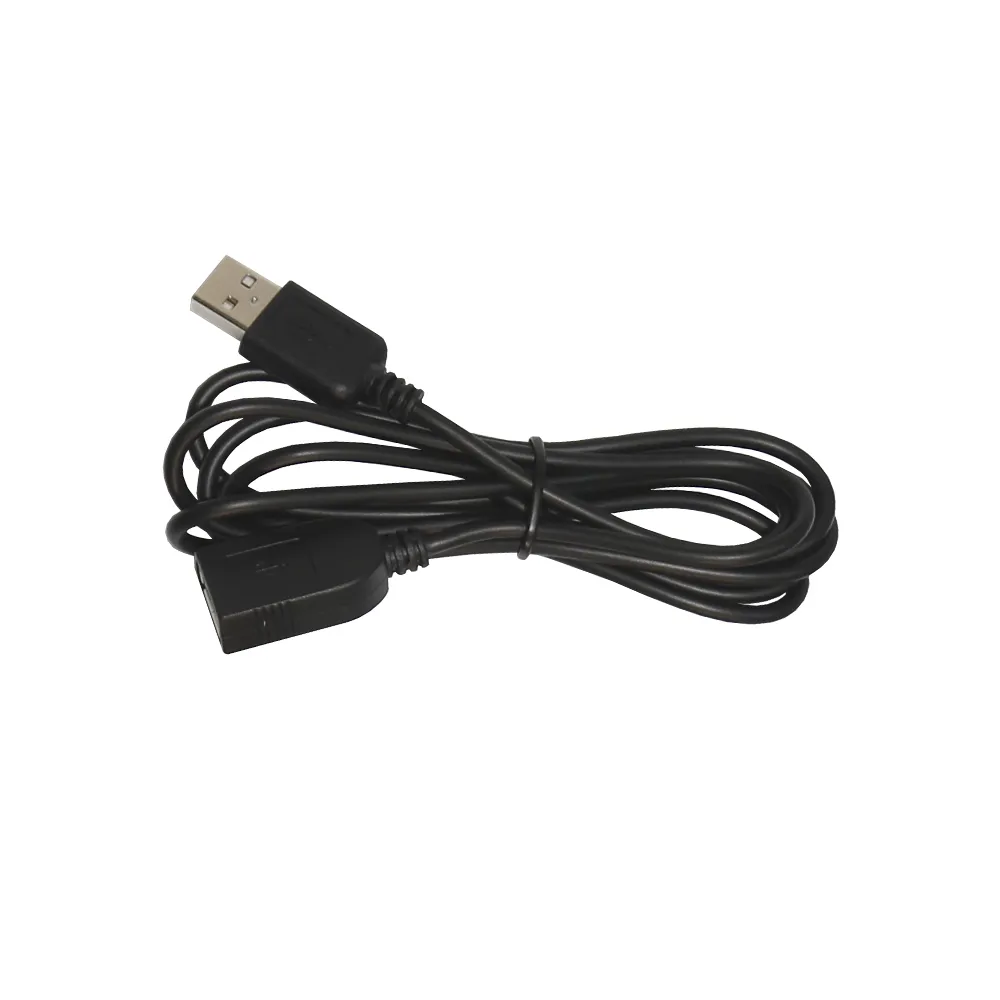
Extension Cable Only For Artist 12/ Artist 12 Pro/ Artist 13.3 Pro/ Artist 15.6/ Artist 15.6 Pro/ Innovator 16
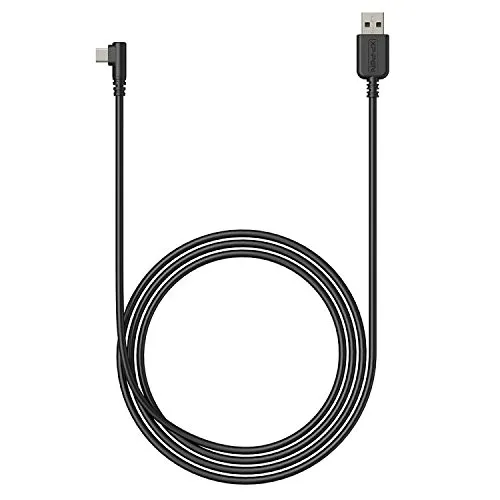
USB Cable only for XP-PEN Deco 01/ Deco 01 V2/ Deco 02/ Deco 03/ Deco Pro/ Deco Mini 4/ Deco Mini 7
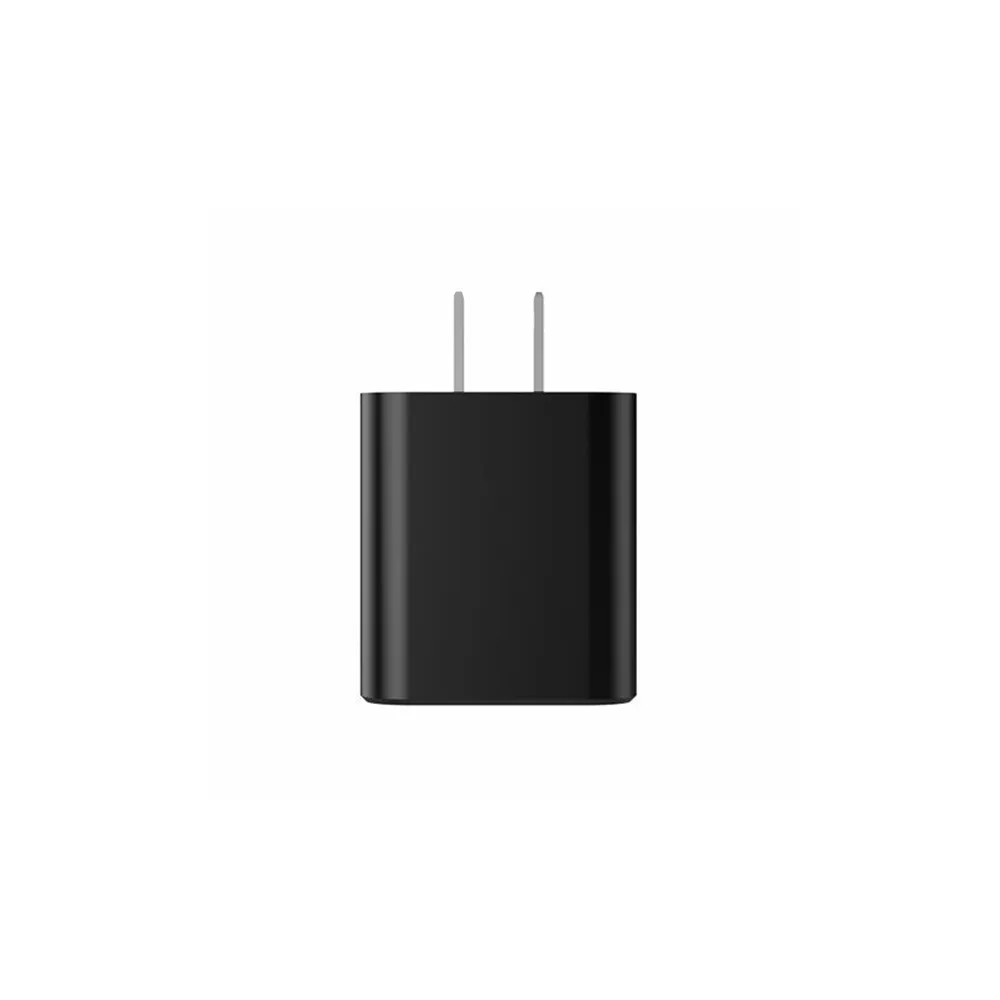
Power Adapter Only Magic Drawing Pad

TYPE-C to TYPE-C cable for Artist Pro 16 (Gen 2)
Screen protectors
![Tablet Protective Film ONLY suits for Artist 15.6 /Artist 15.6 Pro /Innovator 16 / Artist 16 Pro]()
![Tablet Protective Film ONLY suits for Artist 22R Pro (Pack of 2)]()
![Tablet Protective Film ONLY suits for Artist 13.3/ Artist 13.3 Pro (2-pack)]()
![Tablet Protective Film ONLY suits for Artist 12 Pro (Pack of 2)]()
![Tablet Protective Film ONLY suits for Star03 and Star06 (Pack of 2)]()
![Paper-like Screen Protector ONLY for Artist 22 Gen 2 (2-pack)]()
![Paper-like Screen Protector ONLY for Artist 22 Plus (2-pack)]()
![Paper-like Screen Protector ONLY for Artist 24/ Artist 24 FHD (2-pack)]()
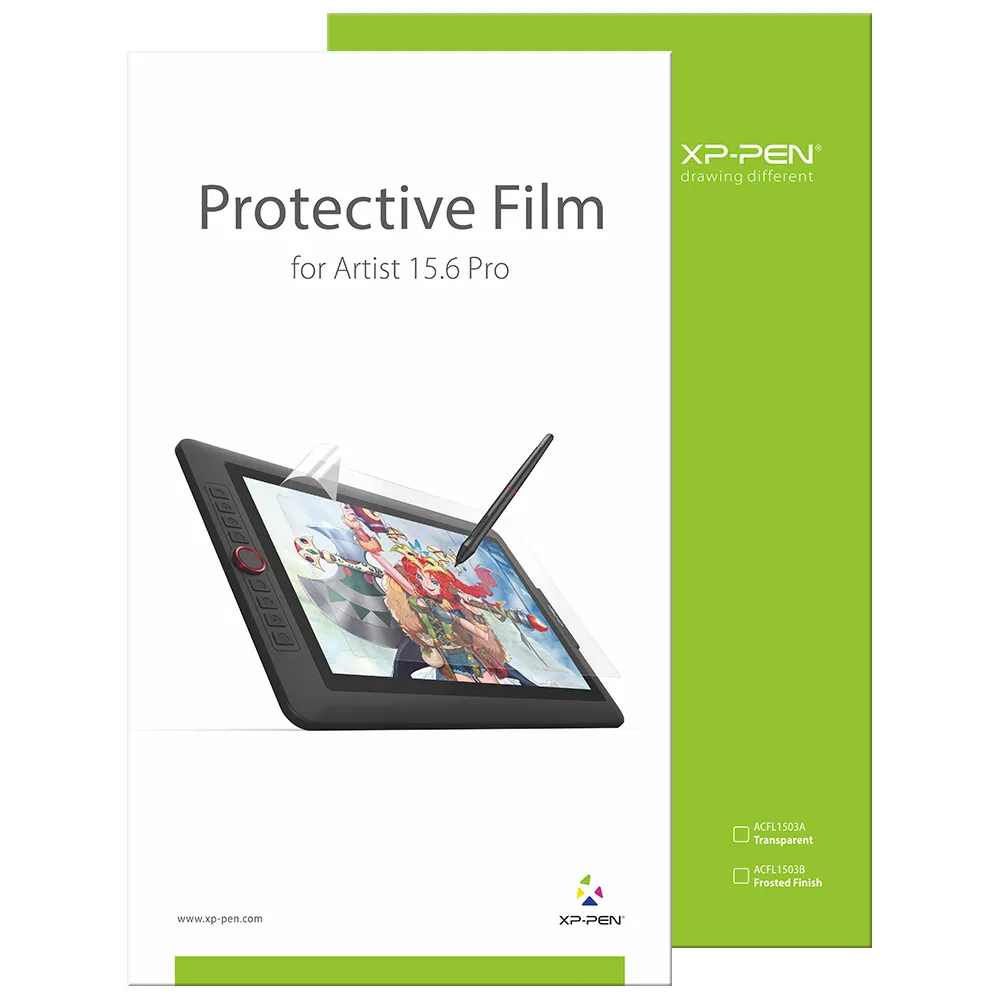
Tablet Protective Film ONLY suits for Artist 15.6 /Artist 15.6 Pro /Innovator 16 / Artist 16 Pro
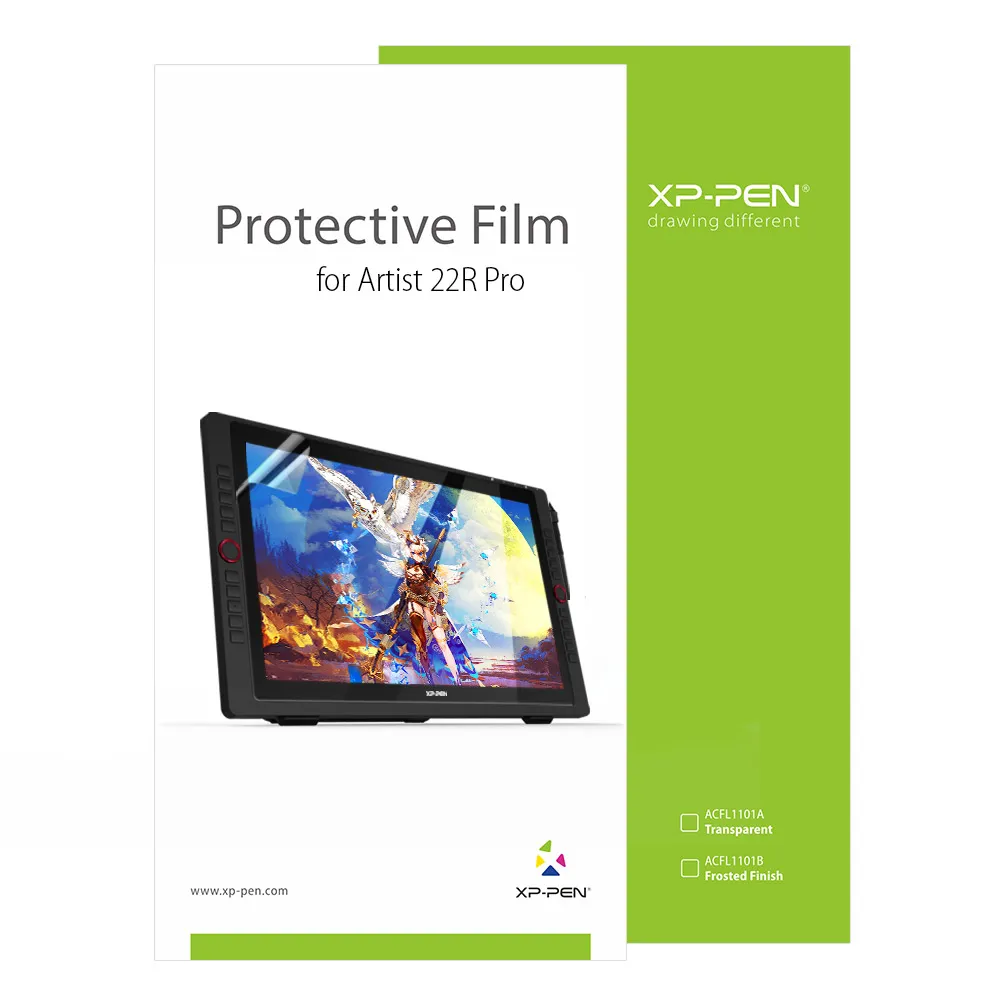
Tablet Protective Film ONLY suits for Artist 22R Pro (Pack of 2)
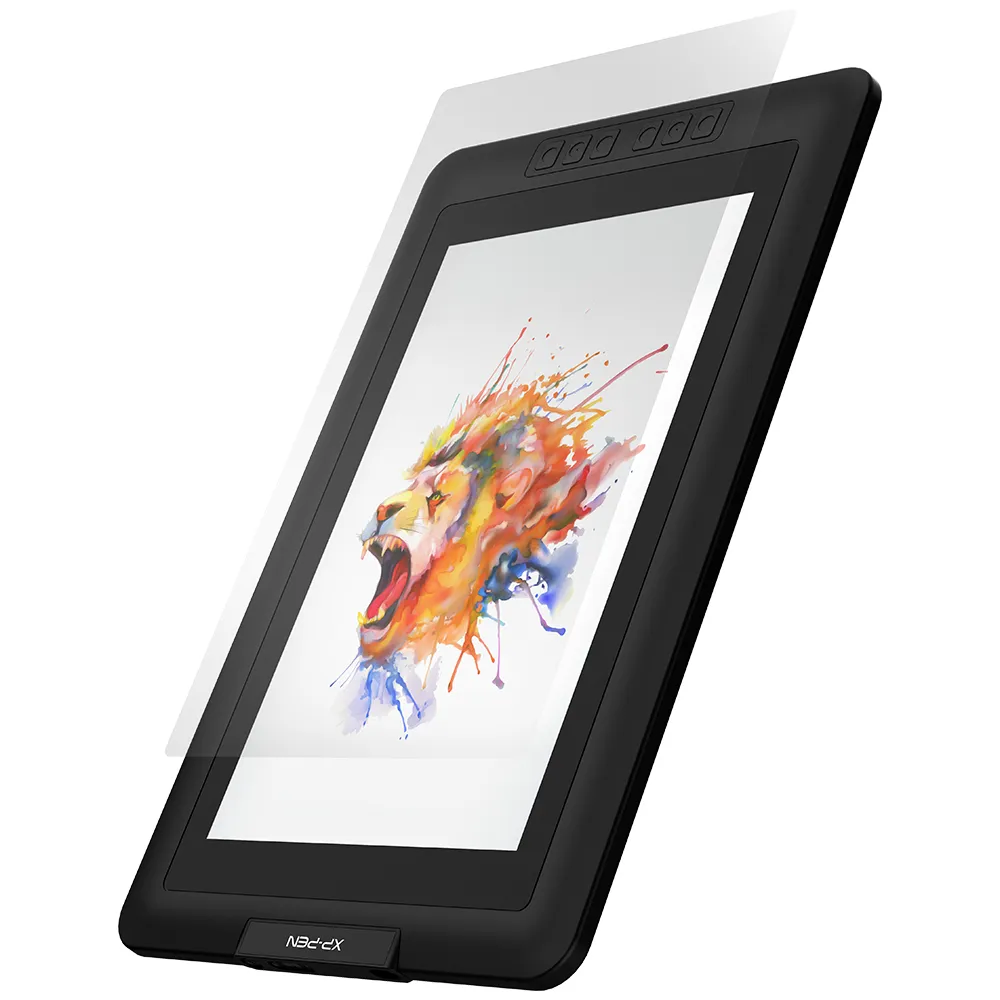
Tablet Protective Film ONLY suits for Artist 13.3/ Artist 13.3 Pro (2-pack)
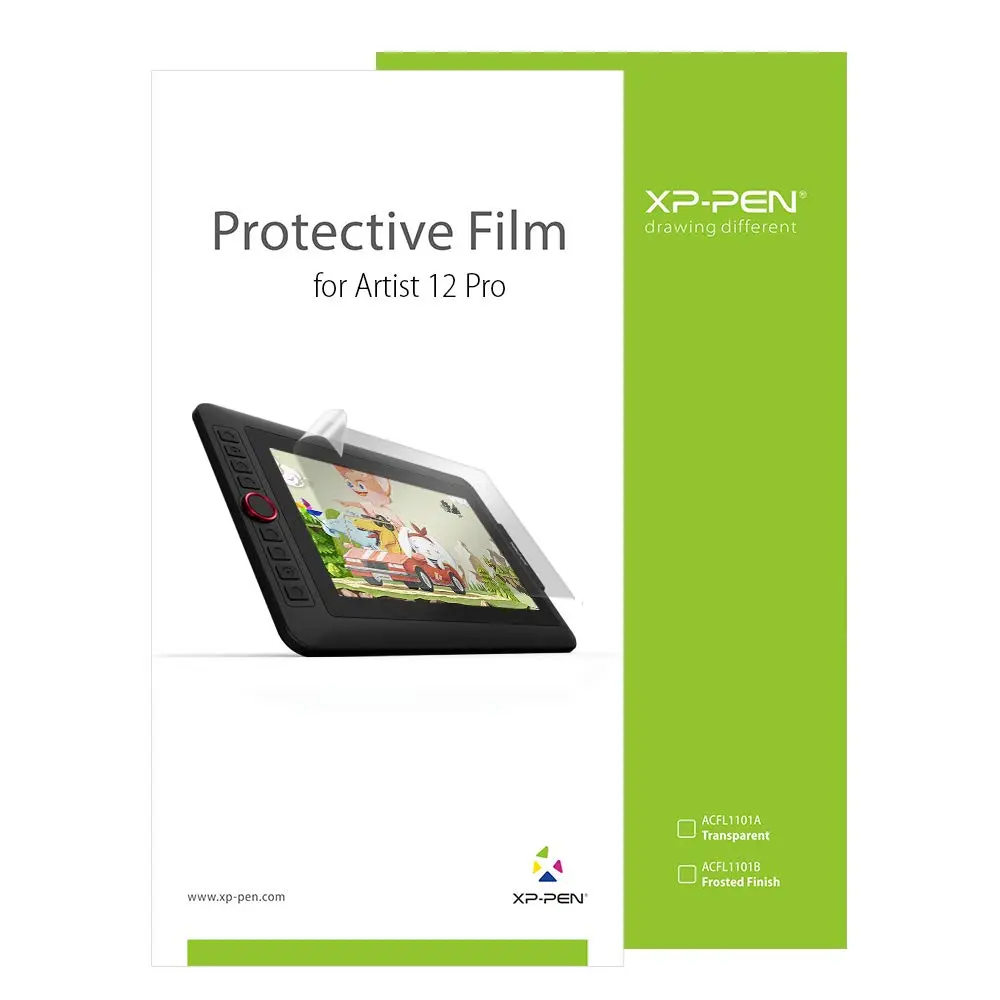
Tablet Protective Film ONLY suits for Artist 12 Pro (Pack of 2)
Tablet Protective Film ONLY suits for Star03 and Star06 (Pack of 2)
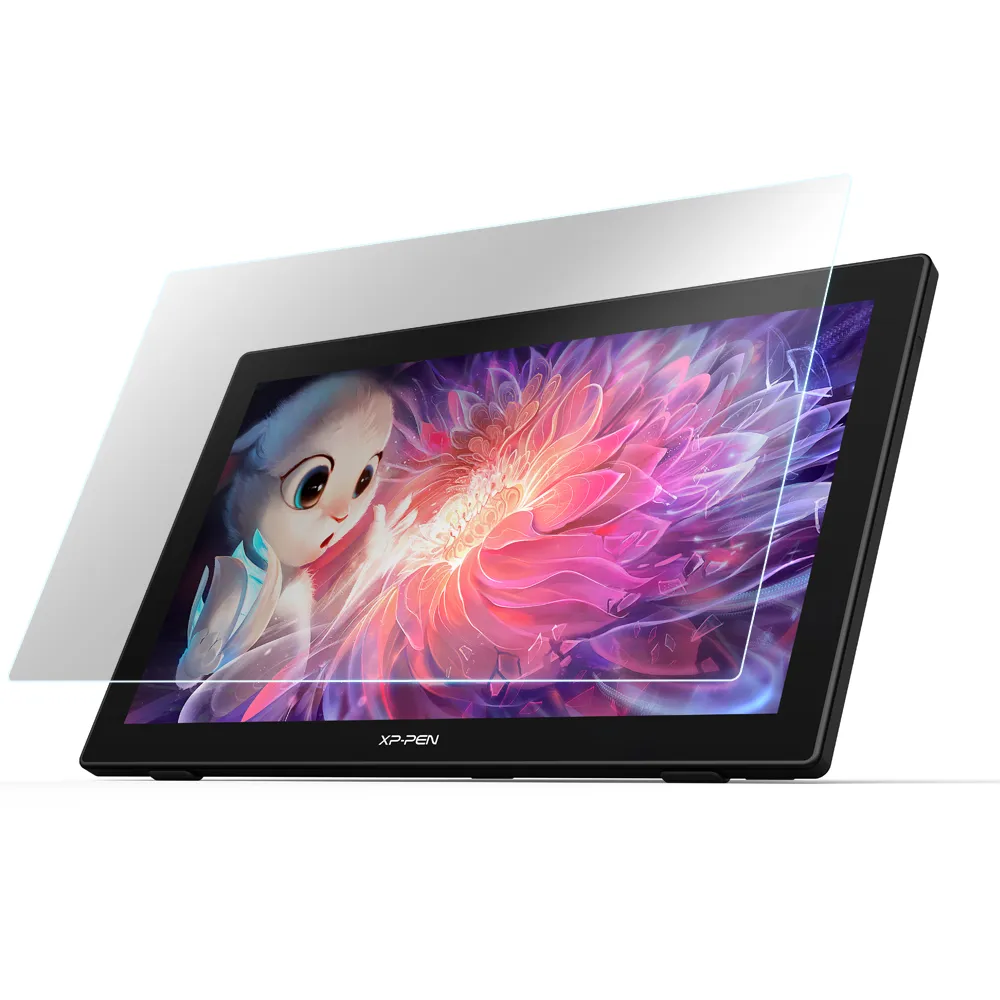
Paper-like Screen Protector ONLY for Artist 22 Gen 2 (2-pack)
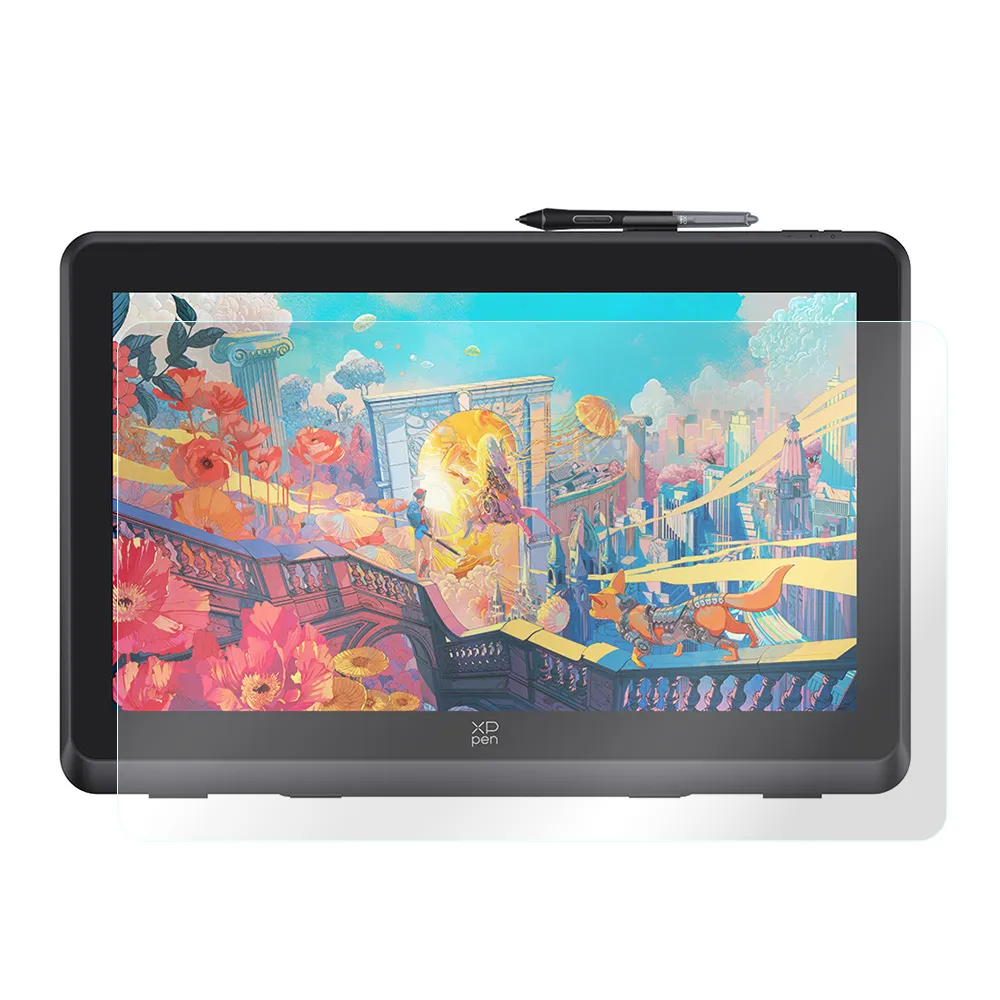
Paper-like Screen Protector ONLY for Artist 22 Plus (2-pack)
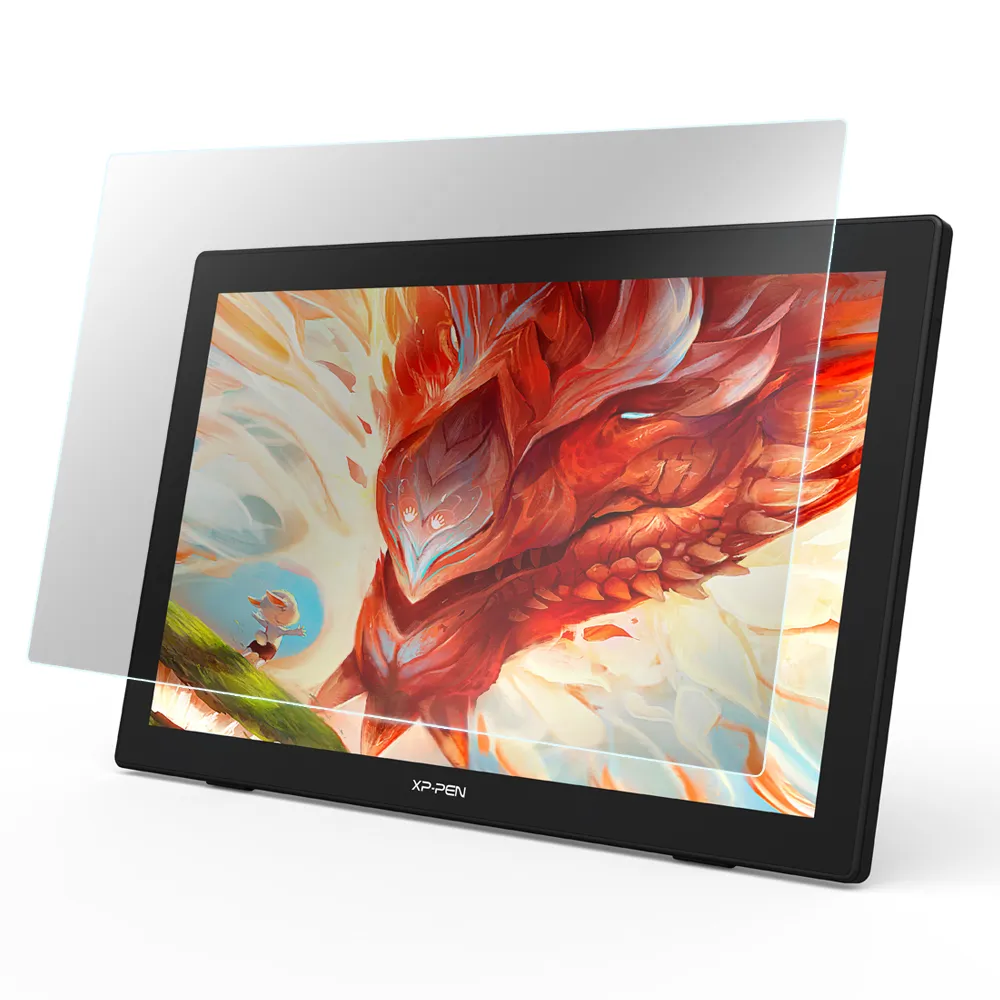
Paper-like Screen Protector ONLY for Artist 24/ Artist 24 FHD (2-pack)
Magic Pad
Standalone Tablet
Note Tablet
Pen Display
Artist Ultra Series
Artist Pro Series
Pen Tablet
Accessories
Stylus
Keyboard
Cables
3 in 1 Cable for Artist10S, Artist13.3, Artist 12 Pro, Artist 13.3 Pro, Artist15.6 and Artist15.6 Pro(Cable)
3 in 1 Cable compatible with Artist (Gen 2) series display
3 in 1 Multifunctional USB-C Hub (Type C to USB+HDMI+PD)
USB Cable for StarG640
Extension Cable Only For Artist 12/ Artist 12 Pro/ Artist 13.3 Pro/ Artist 15.6/ Artist 15.6 Pro/ Innovator 16
USB Cable only for XP-PEN Deco 01/ Deco 01 V2/ Deco 02/ Deco 03/ Deco Pro/ Deco Mini 4/ Deco Mini 7
Power Adapter Only Magic Drawing Pad
TYPE-C to TYPE-C cable for Artist Pro 16 (Gen 2)
View More
Drawing gloves
Protective cases
Screen protectors
Tablet Protective Film ONLY suits for Artist 15.6 /Artist 15.6 Pro /Innovator 16 / Artist 16 Pro
Tablet Protective Film ONLY suits for Artist 22R Pro (Pack of 2)
Tablet Protective Film ONLY suits for Artist 13.3/ Artist 13.3 Pro (2-pack)
Tablet Protective Film ONLY suits for Artist 12 Pro (Pack of 2)
Tablet Protective Film ONLY suits for Star03 and Star06 (Pack of 2)
Paper-like Screen Protector ONLY for Artist 22 Gen 2 (2-pack)
Paper-like Screen Protector ONLY for Artist 22 Plus (2-pack)
Paper-like Screen Protector ONLY for Artist 24/ Artist 24 FHD (2-pack)
View More